Kolo Card Review 2026: Fees, 2% BTC Cashback & How to Sign Up
Key takeaways
- Kolo is a Visa Platinum virtual debit card: you top up with USDT, USDC, BTC and other crypto, and each payment is converted at the moment you pay. There are two cards, USD (BIN 454905, Banco Popular de Puerto Rico) and EUR (BIN 442601, WIREX, UK). Physical cards are planned for 2027.
- Issuing the card is free and there is no monthly fee, but every card payment carries a 1% conversion fee. A USD card adds Visa rate +1% when the payment currency is not USD, and another 1% for USD payments at non-US merchants, so most non-US spending costs about 2%.
- Personal cards earn 2% BTC cashback for the first 30 days, then 1%, but the payout is capped at $2 (2% period) or $1 (1% period) per transaction and $100 per month. The 2% rate effectively applies to the first $100 of each payment.
- New since the June version of this review: a EUR card with cashback since 24 July 2026, ATM cash on the USD card through Apple Pay or Google Pay ($500 per withdrawal, 3 per 24 hours, $1 + 0.65%), and SEPA withdrawals at a fixed 1 EUR.
- Kolo publishes no country-by-country eligibility list. Which card the app offers depends on your verification country and document country, and passing KYC does not guarantee a card. Residents of Cuba, Iran, North Korea, Sudan and Syria are excluded by the Terms of Use.
- A public review site averages 3.6/5 across 55 reviews (28 October 2026), including account-termination complaints, so I keep only near-term spending money in the app.
Last updated 28 October 2026. Fees and rules were re-checked against Kolo’s Help Center; the screenshots below are from my own June 2026 account. My short verdict: I recommend Kolo for small USD subscriptions, not for everyday spending in other currencies.
What Is the Kolo Card?
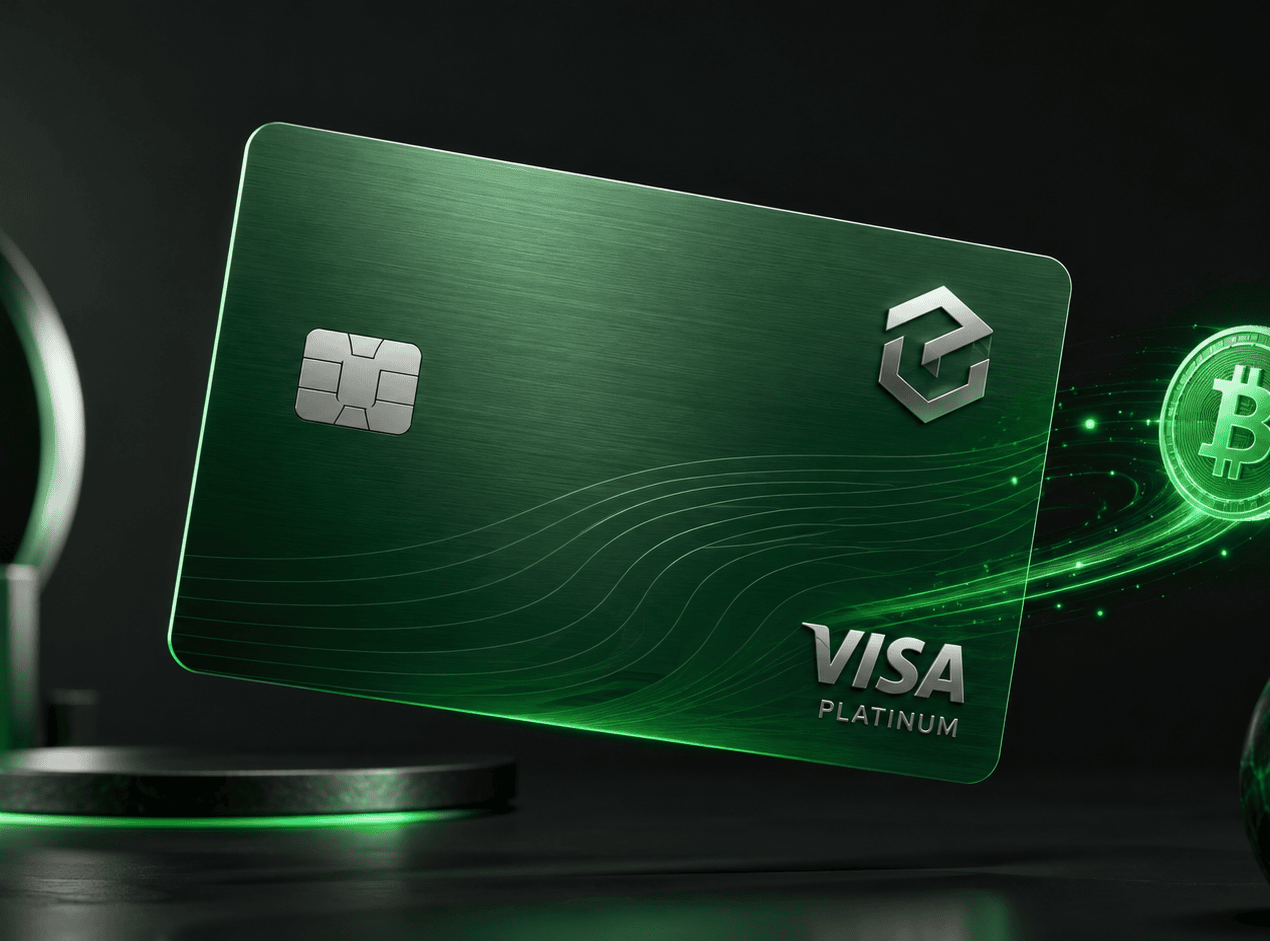
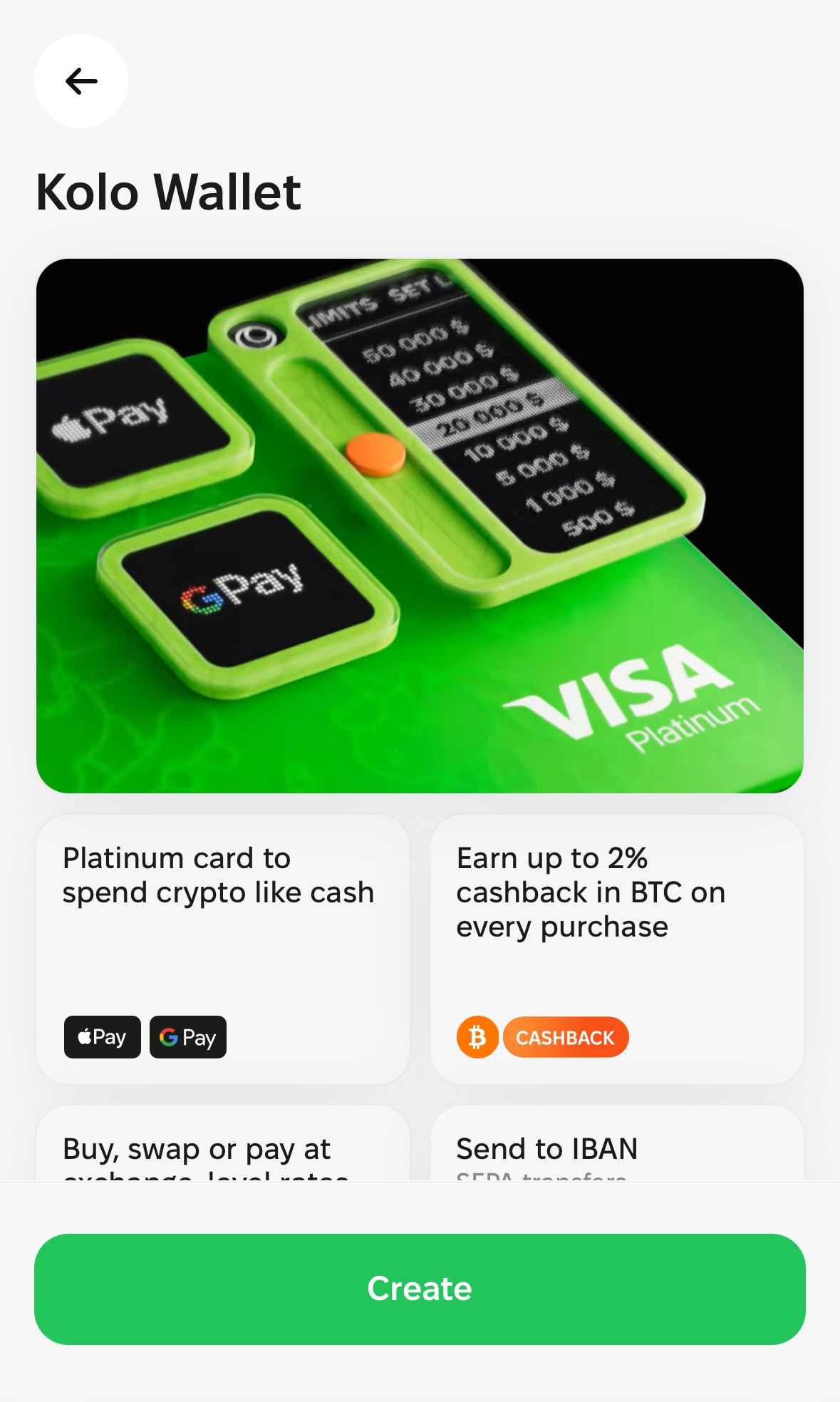
The Kolo card is a Visa Platinum virtual debit card for spending crypto wherever Visa is accepted, without selling your holdings into a bank account first. You load it with stablecoins or other crypto, and the card converts at the point of sale. Individual cardholders earn Bitcoin cashback automatically on eligible payments.
Say you have USDC sitting idle in a wallet. You top up Kolo, add the virtual card to Apple Pay or Google Pay, and pay for subscriptions or online orders like any Visa card. Kolo currently issues two cards: a USD card (BIN 454905, issued by Banco Popular de Puerto Rico) and a EUR card (BIN 442601, issued by WIREX, LTD in the United Kingdom). Kolo’s Help Center says it decides which card program fits you after verification. Cardholders can add the card to Apple Pay and Google Pay. See the Card Overview for the current issuer table. Not sure Kolo fits your country or budget? Run our crypto card comparison by country first, or read the Best Crypto Cards 2026 comparison.
You can get the app on the iOS App Store and Google Play, through the Telegram mini app, or in a browser at my.kolo.in. Which features and storefronts you see depends on your country, Apple Account region and verification status.
My Hands-On Test: Registration, KYC, and Getting a Virtual Card
I went through the full signup process myself — from get.kolo.xyz to receiving a virtual card number. Here’s exactly what happened.
Step 1: Create an account
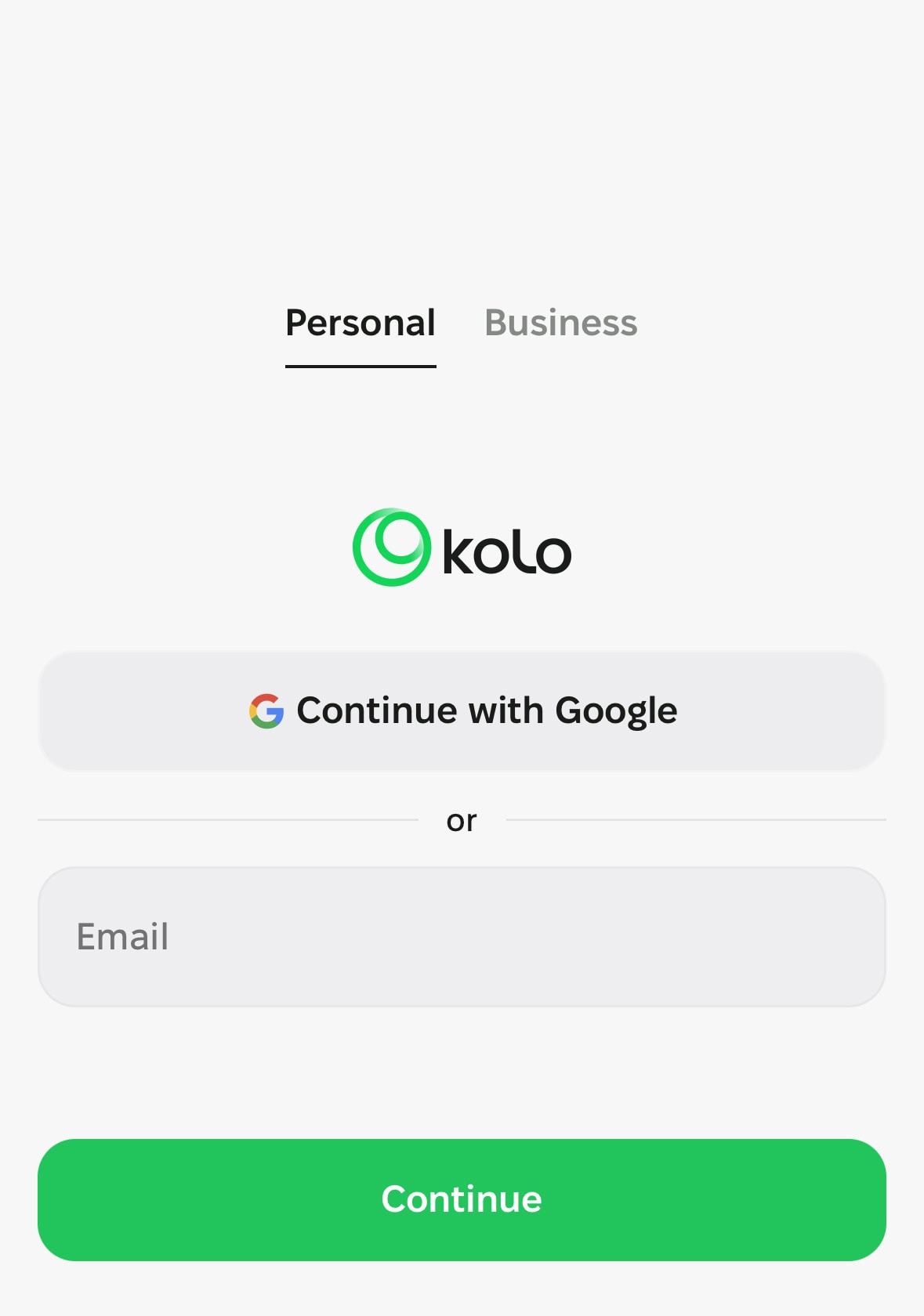
The signup screen asks you to choose between a Personal or Business account. Choose Personal, because business and co-branded cards are excluded from cashback. You can sign in with Google or email. If you want to use Kolo’s sign-up page, open the link first, then enter your email on that page before downloading the app. Kolo’s referral rules say attribution only works if you register with that same email within 30 days.
Step 2: Accept policies
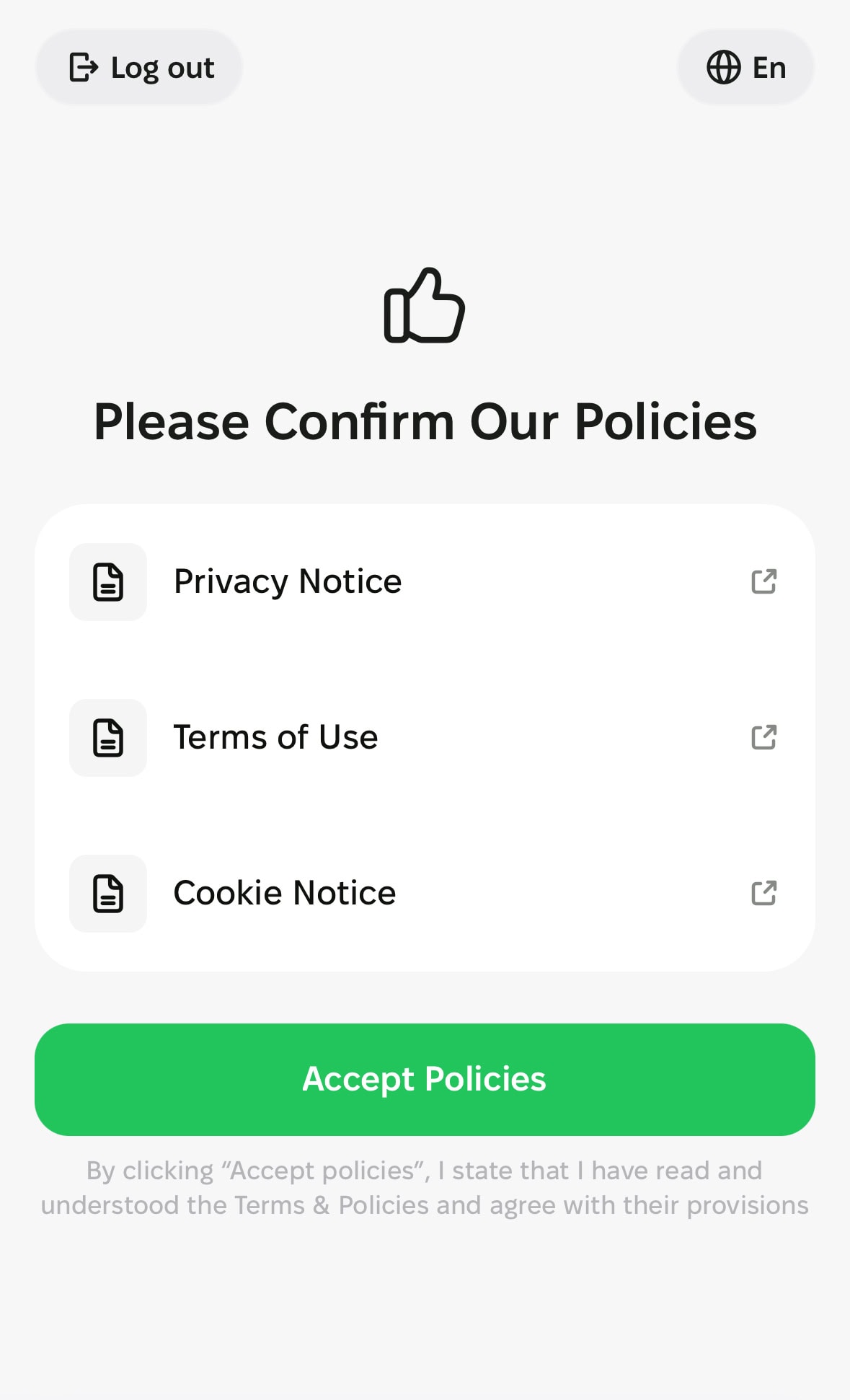
The app asks you to agree to the Privacy Policy, Terms of Service, and Cookie Statement before moving forward. Standard stuff — you need all three to continue.
Step 3: KYC identity verification
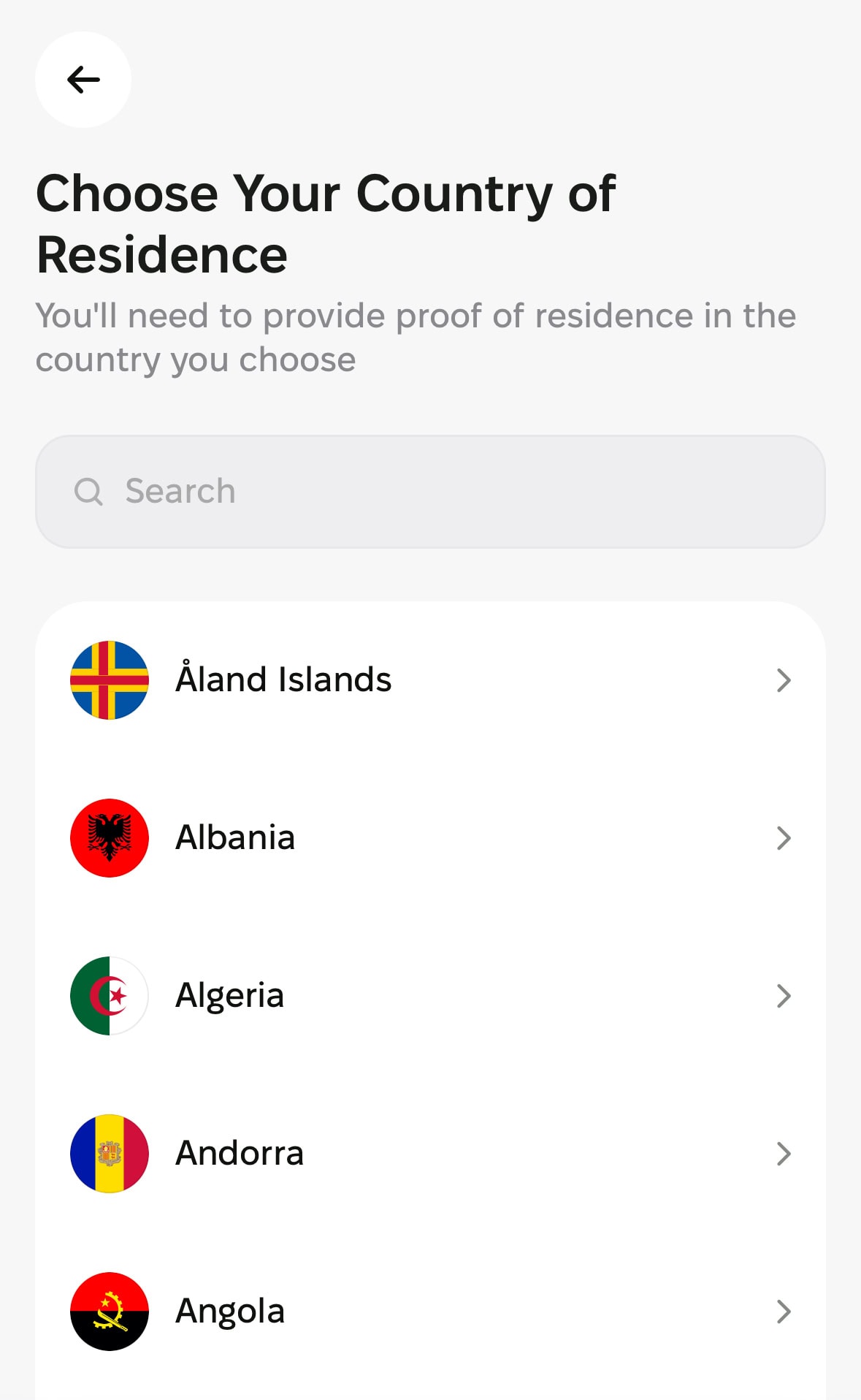
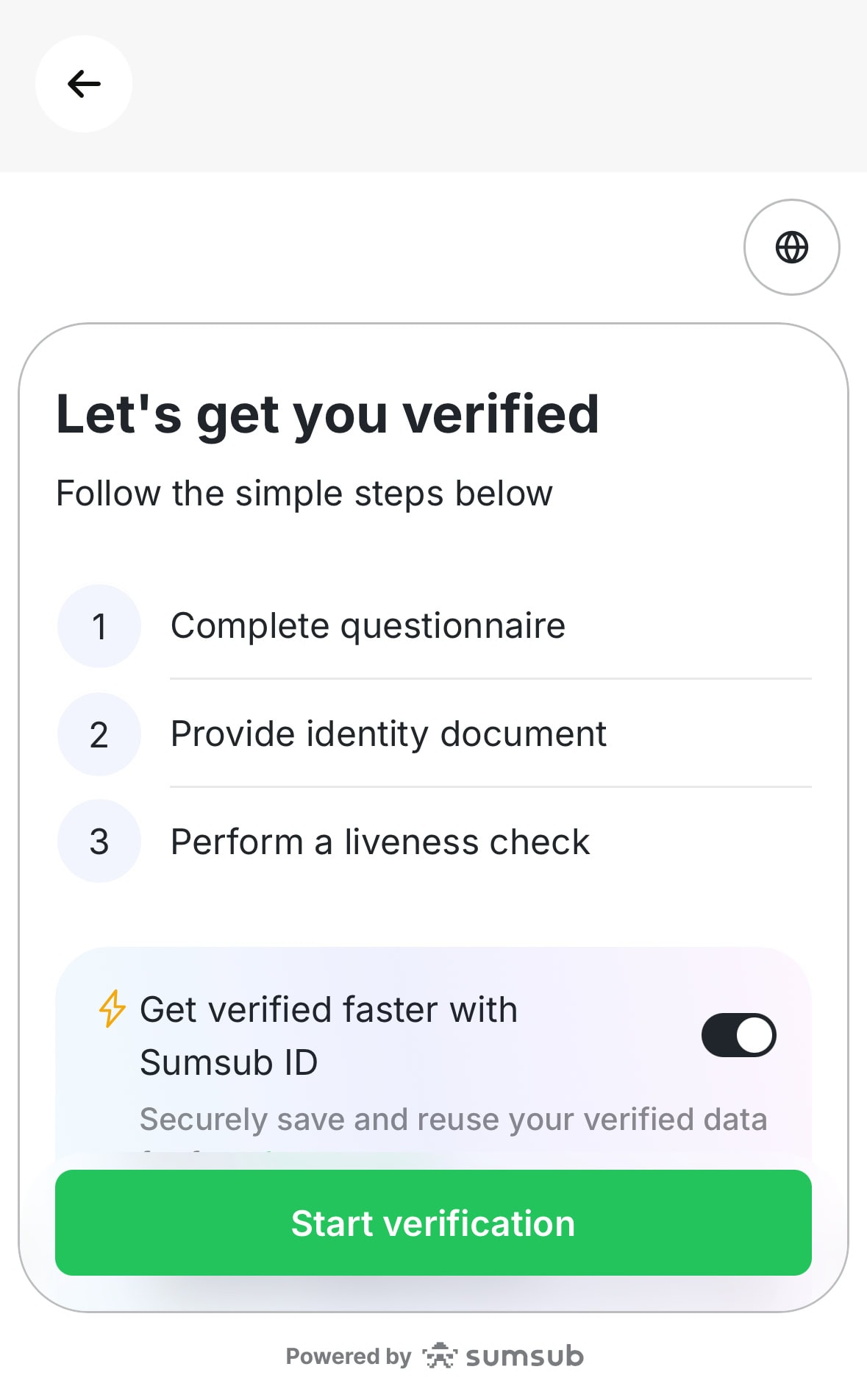
This is the critical step. The app starts with a short compliance questionnaire — purpose of wallet use and source of funds. Answer honestly; it’s a compliance screening, not a quiz with wrong answers. Then it moves into document verification.
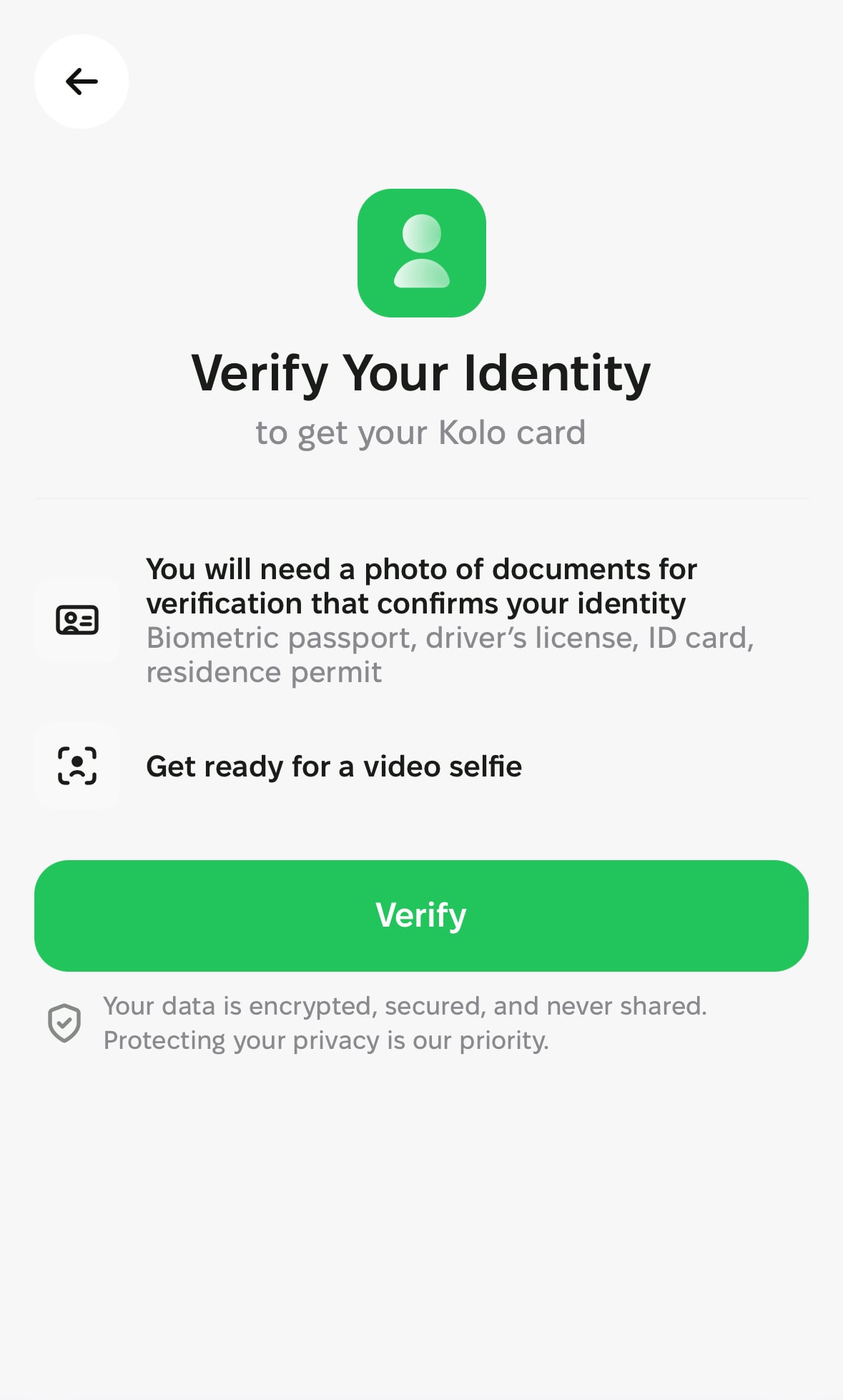
Accepted documents include a passport, driver’s license or national ID card, plus a live selfie. My verification screen showed “Powered by Sumsub”, which is what I observed in-app, because the Help Center does not name the KYC provider. You must be at least 18. Passing KYC does not guarantee a card: the app only offers one if your verification country, document country and local regulation allow it.
Step 4: Choose a card design and activate
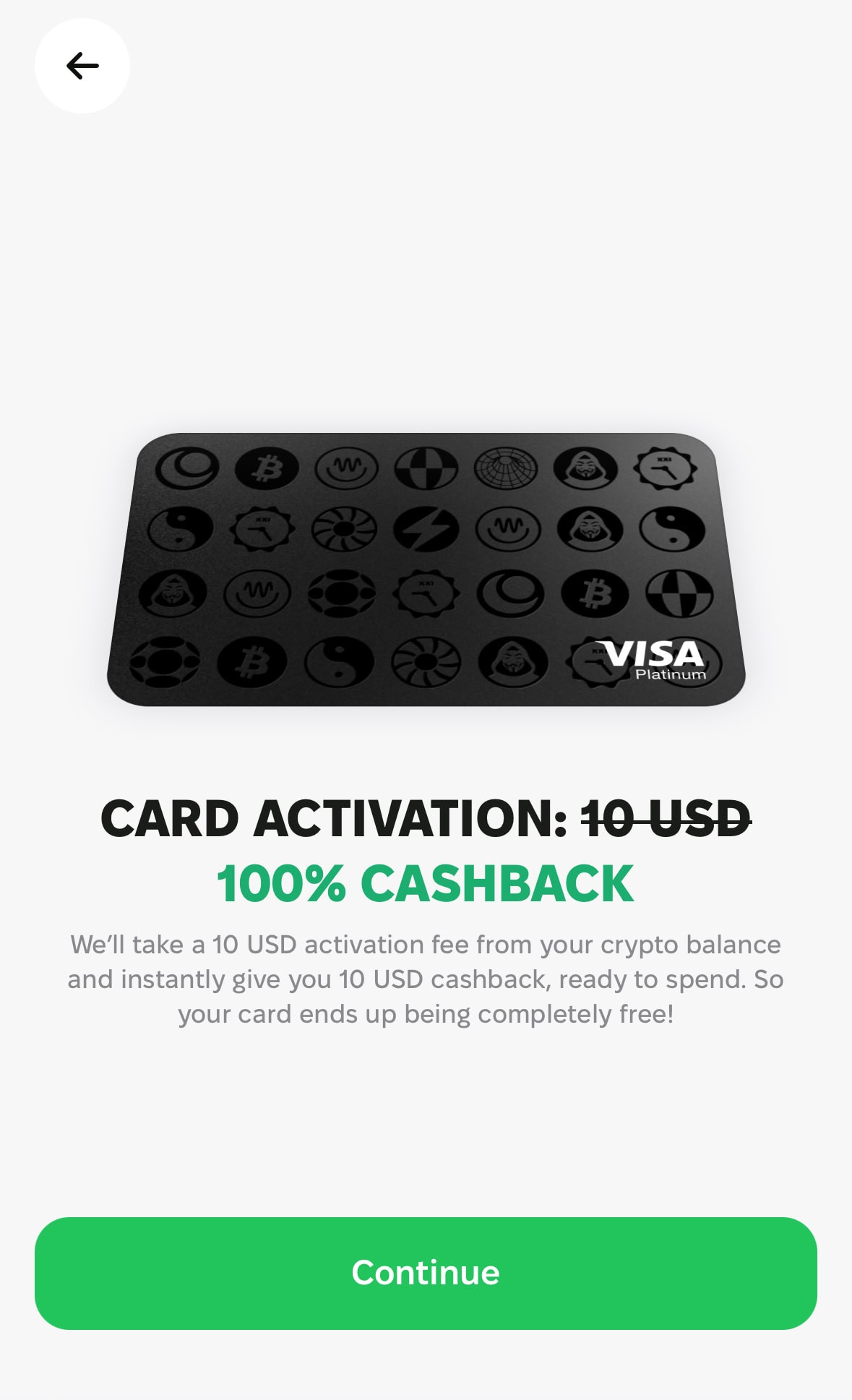
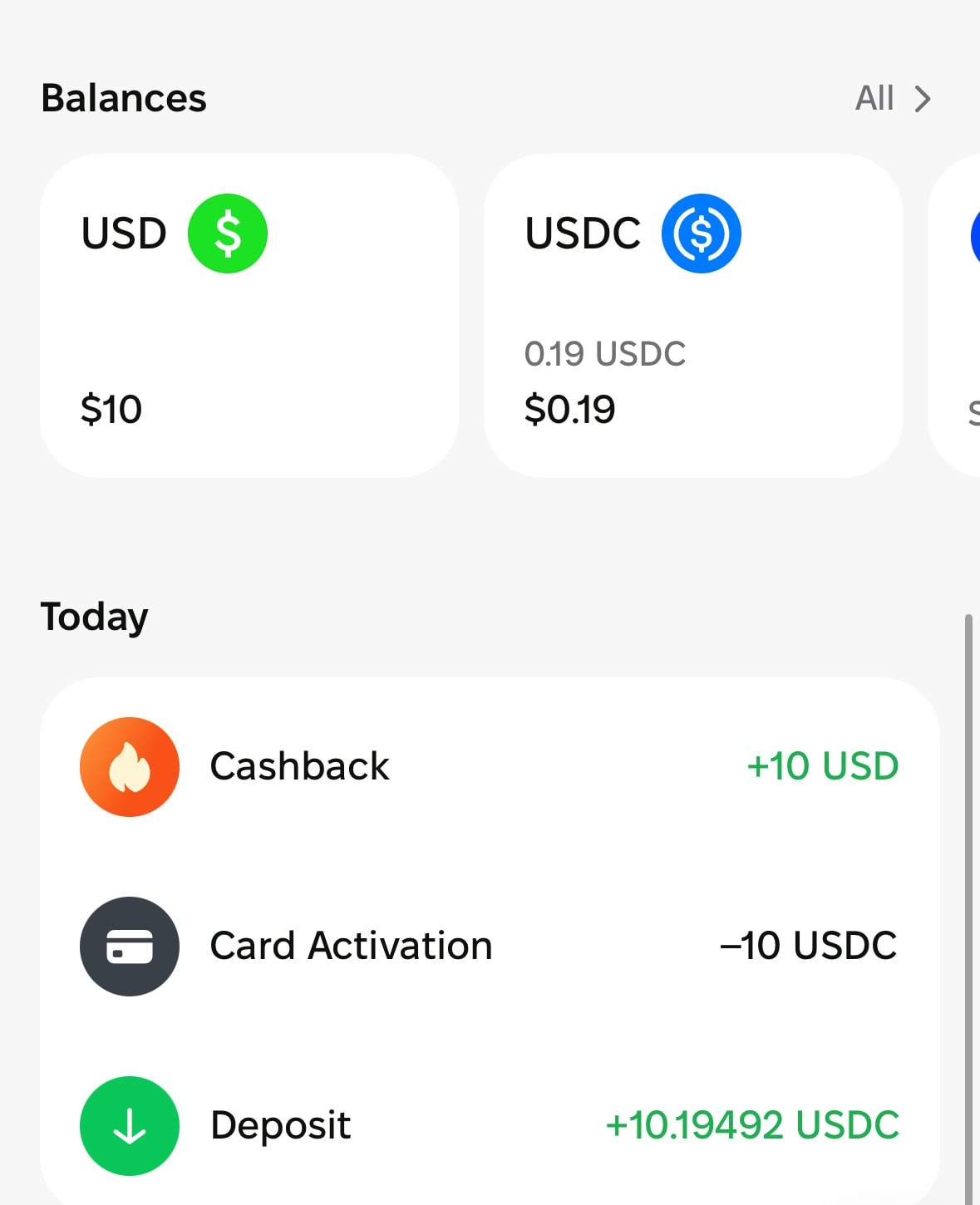
After KYC, the app shows a “Choose Your Card Design” screen. In my app I could see three designs (observed in-app, the Help Center does not name them), and I picked the Bitcoin design. To issue the card you first top up a minimum of 10 USDT, USDC or DAI (9 EURC or EURI) for the USD card, or 12 USDT or USDC for the EUR card. The Help Center says that deposit is spent on issuing the card and then returned as a “card issue bonus” in USD that you can spend but not withdraw or swap. My activation screen showed the same “100% Cashback” note.
After activation I had a virtual Visa Platinum (card number ending ••••8536), with the full wallet dashboard showing Top Up, Swap, Send buttons, plus Wallet / Cashback / Earn tabs at the bottom and the “Earn Bitcoin Cashback” label. To be straight: I have not tested physical card delivery or confirmed long-term BTC cashback payout. I’m not going to claim experience I don’t have.
Kolo Card Fees: Full Breakdown
Every figure below comes from Kolo’s official Help Center pricing page, re-checked on 28 October 2026.
| Fee type | Amount | Notes |
|---|---|---|
| Card issuance | Free | Top-up minimum is returned as a spend-only USD bonus |
| Monthly or annual fee | None | No account maintenance fee |
| Crypto deposit | 0% | Your sending wallet or network may charge its own fee |
| Card payment (conversion fee) | 1% | Charged on every payment, personal and business accounts |
| USD card, payment in another currency | Visa rate +1% | Pass-through, Kolo does not earn on FX |
| USD card, USD payment at a non-US merchant | +1% issuer fee | On top of the 1% conversion fee |
| EUR card, payment in another currency | Visa rate +0.55% to +1.35% | CHF, CZK, DKK and other listed European currencies +0.55%; other currencies +1.35% |
| ATM cash (USD card only) | $1.00 + 0.65% | Max $500 per withdrawal, 3 per rolling 24 hours; balance inquiry or declined attempt $0.60 |
| SEPA / IBAN withdrawal | 1 EUR | Fixed per transfer |
| Crypto withdrawal | Shown in-app | Fixed fee per network and asset |
| Slippage buffer | About 1% reserved | Unused part is returned; keep roughly 2% extra on the balance |
Worked example: a $100 USD payment at a US merchant costs $1.00 in conversion fee, and Kolo suggests keeping about $102.01 on the balance to cover the buffer. The same $100 USD payment at a non-US merchant costs $2 (1% + 1%). During the first 30 days the 2% cashback on that $100 is $2 in BTC, so the fee washes out. After day 30 you earn $1 (1%), so a US purchase breaks even and a non-US purchase costs about 1%. The caps matter here: on a $500 payment the 2% period pays at most $2, which is 0.4%, so large purchases lose money after the 1% fee.
BTC Cashback: How the 2% → 1% Mechanism Actually Works
The BTC cashback is Kolo’s real differentiator and also the most misreported feature. A December 2025 press release cited 5%, but the Help Center cashback page is the product terms source and it says 2% and 1%. I follow the Help Center.
- First 30 days: 2% BTC cashback, capped at $2 per transaction (USD card) or EUR 2 (EUR card)
- After day 30: 1% BTC cashback, capped at $1 or EUR 1 per transaction
- Monthly payout cap: $100 or EUR 100 equivalent in BTC
- Minimum eligible transaction: $1 or EUR 1
- The 2% period starts at card activation (USD card) or when you issue your first EUR card; EUR cashback launched on 24 July 2026
- Paid once a day after the transaction clears: USD card 1 to 3 days, EUR card up to 14 days; the rate is Kolo’s BTC rate at authorization
- Eligible: individual users with a USD or EUR card. Business and co-branded cards are excluded.
BTC cashback goes into the Cashback tab in your Kolo Wallet, accessible from the bottom navigation. You can leave it there or withdraw to an external Bitcoin address. One honest note: I’ve activated my card and I can see the Cashback tab and the “Earn Bitcoin Cashback” label, but I haven’t accumulated and withdrawn BTC rewards yet — so I can’t personally confirm the end-to-end payout flow from lived experience.
Funding, Spending, and Withdrawals
Supported cryptocurrencies and blockchains
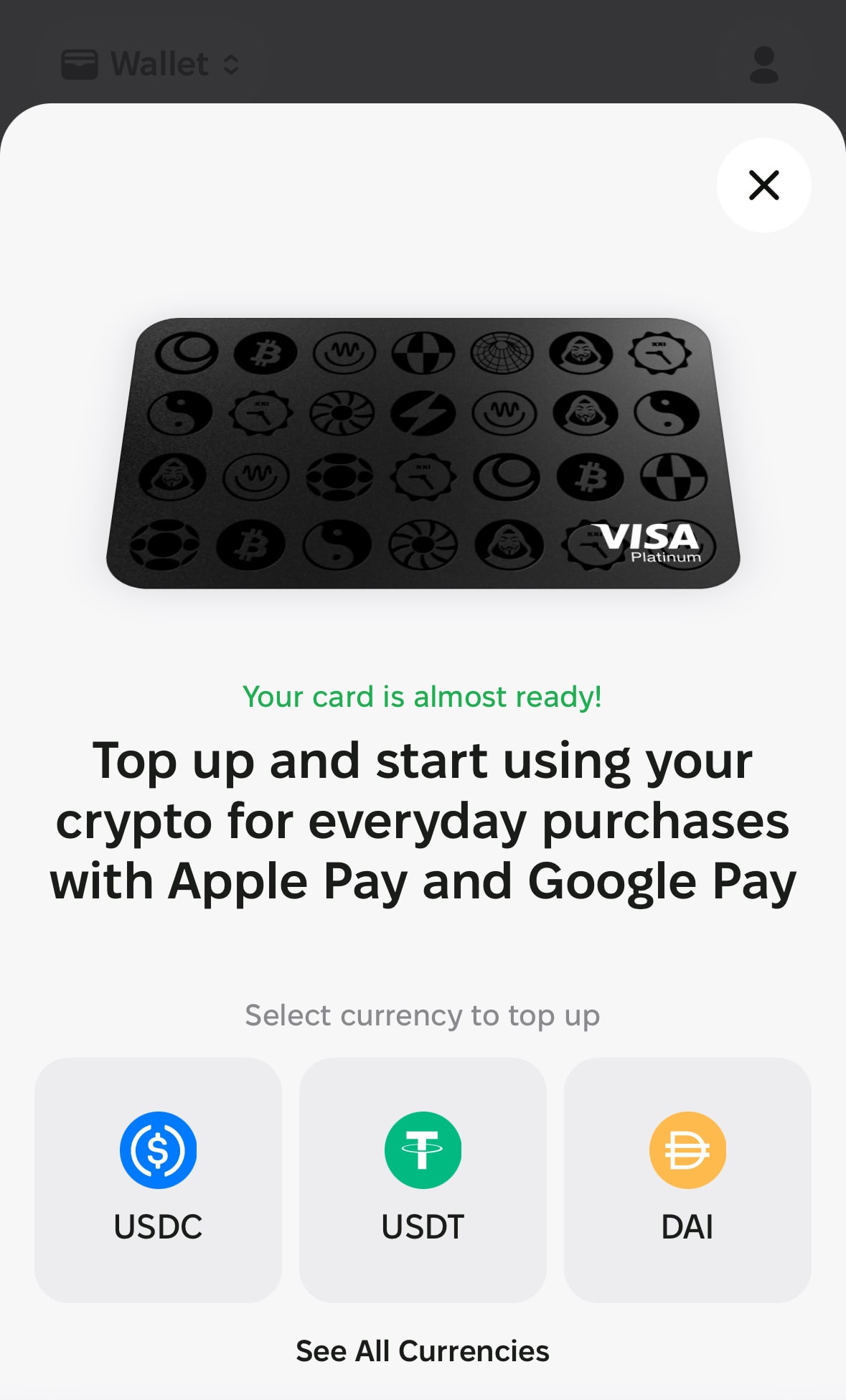
Kolo supports spending from BTC, ETH, USDC, USDT, EURC, LTC and other assets, and the deposit screen shows the networks available for each one. Kolo’s website advertises seven blockchain networks including Ethereum, Tron, Base, BNB Chain, Sui and Solana. Kolo charges 0% on incoming crypto deposits, but your sending wallet or exchange may charge its own network fee. Send the same asset on the same network the deposit screen shows, and add the memo or tag if one is displayed. A deposit below the minimum stays pending until the total reaches it.
My practical recommendation: USDC or USDT are the most cost-efficient top-up options. Kolo confirms 0% markup on USDT, USDC, and EURC conversions — meaning you’re not losing on spread when converting to the USD card balance. If you top up with BTC or ETH instead, there may be additional conversion involved at Kolo’s rate.
Swap
The Kolo Wallet has a built-in Swap function to convert between supported assets inside the app. The swap fee isn’t published in official Help docs — check the in-app rate before confirming any swap.
Sending to IBAN / SEPA
Kolo supports SEPA transfers to IBAN accounts, and the official page names Revolut, Wise and N26 as examples. The fee is a fixed 1 EUR per transfer. If you are in the US or another non-SEPA region, you would normally route through Wise: send from Kolo to your Wise account, then move the money to your local bank. Direct US ACH top-up is not confirmed in the official documentation I read. Crypto withdrawals use a fixed fee per network and asset that the app shows before you confirm. The EUR IBAN withdrawals page has the details.
Apple Pay and Google Pay
After activating your virtual card, the Kolo dashboard shows an “Add to Apple Pay” button, and Google Pay works the same way. Once added, you can tap to pay at contactless terminals and pay online wherever Visa is accepted. The USD card can also withdraw cash at NFC ATMs through the phone wallet (up to $500 per withdrawal, 3 per rolling 24 hours, $1.00 + 0.65%); the EUR card has no ATM access. To add the USD card to Apple services such as the App Store or iCloud, Kolo requires your Apple Account region to be the US. Wallet payments are also less likely to be declined than typing the card number by hand.
Where Can You Use the Kolo Card? Country Availability
There are two separate questions here, and you need both answers before signing up.
Card spending: Visa accepted in 60+ countries
Kolo says the card works anywhere Visa is accepted, except at merchants located in restricted countries. For the USD card, payments and ATM withdrawals are declined in Cuba, Iran, North Korea, Russia, Syria, Ukraine and Venezuela (Ukraine covers Ukrainian merchants and payments in hryvnia). The EUR card has a longer list that includes Afghanistan, Belarus, Bosnia and Herzegovina, Iraq, Lebanon, Libya, Myanmar, Sudan and Zimbabwe, among others; see the official country list. These rules apply to where the merchant is, not where you live. Kolo also blocks some merchants and categories on the USD card, including Wise, MoonPay, eToro, Skrill and Neteller, quasi-cash, money transfers and gambling.
Sign-up eligibility: officially unpublished by country
Kolo’s Help Center says card availability depends on your verification, verification country, document country and regulatory availability, and that finishing verification does not automatically mean a card is offered. There is no published country-by-country sign-up list, and the kolo.xyz countries page does not give one either. The app tells you during verification whether your country is supported, and that is the only authoritative answer. Under the Terms of Use, nationals or residents of Cuba, Iran, North Korea, Sudan and Syria may not use the service. If KYC fails, contact Kolo support.
Some users complete document verification only to find that their country is not supported yet, so open the country selection screen before you deposit anything. If your country is not on the excluded list, the practical approach is to install the app, start KYC and let the app answer. Sign-up eligibility and card spending geography are two different things. This article does not promise availability in any specific country.
Virtual Card vs. Physical Card — and What the Community Says About Risk
| Feature | Virtual card (available now) | Physical card (planned for 2027) |
|---|---|---|
| Online purchases | Yes | Planned |
| Apple Pay / Google Pay | Yes | Planned |
| In-store NFC tap | Yes (via phone) | Planned |
| ATM withdrawal | USD card only, through Apple Pay or Google Pay at NFC ATMs ($500 max, $1.00 + 0.65%) | Not announced |
| BTC cashback | Yes (individual cards) | Not announced |
| How to get | Right after KYC, if the app offers a card | No release date confirmed beyond 2027 |
Card infrastructure and legal structure
The USD card is issued by Banco Popular de Puerto Rico and the EUR card by WIREX, LTD (United Kingdom), according to the Card Overview. Kolo’s Terms of Use name a Kazakhstan (AIFC) operating entity, and Kolo’s website describes itself as MiCA-ready with Travel Rule alignment. I am repeating what Kolo says about itself, not asserting that Kolo is regulated, licensed or legal in your country. Check your local rules.
Community-reported risk cases
A public review site shows 55 reviews and a 3.6 average as of 28 October 2026. That is a small sample, and some reviews are very positive about registration speed and Telegram support. Several negative reports are worth knowing, all single-reviewer accounts I cannot verify:
- Account deactivation after duplicate charges: One reviewer reported 7 duplicate transactions in an 8-second window on a card they had already deleted, then said the account was deactivated after they asked support for authorization codes. The same review claims all accounts in Zimbabwe were deactivated without notice.
- Account and wallet terminated without notice: Another reviewer warns that Kolo sometimes terminates accounts and wallets without notification.
- EUR card activation deposit blocked (21 October 2026): A reviewer says a 12 EUR activation deposit from another wallet was blocked and Kolo asked them to explain the reason for the deposit.
- KYC document limits: An Indonesian user asked Kolo to accept national ID cards instead of passports only.
These are allegations from reviews, not findings. I am not saying Kolo is a bad product, only that it is a young service with limited track record. My approach: load only what you intend to spend soon and do not park large funds here.
Kolo vs. Other Crypto Cards: Honest Verdict and Who It Fits
Most English-speaking card shoppers want to know how Kolo compares with the other crypto cards. I do not repeat other issuers’ numbers here because they change often. Check each card’s own page, for example our RedotPay Card guide and Bybit Card review, or run the crypto card comparison by country to filter by where you live.
- In this Kolo card review, the short version: it stands out for 2% BTC in the first 30 days with no platform token to stake, a built-in wallet with swap and SEPA withdrawals, and ATM cash on the USD card.
- Where it is weaker: virtual only, the per-transaction caps shrink cashback on larger purchases, the 1% conversion fee applies to everything, and the track record is short.
See also our Best Crypto Cards 2026 comparison if you need a physical card today.
Kolo Card FAQ
Is the Kolo card available in my country?
Card spending works anywhere Visa is accepted except at merchants in the restricted countries (USD card: Cuba, Iran, North Korea, Russia, Syria, Ukraine, Venezuela; the EUR card list is longer). Sign-up eligibility by residence is not officially published: Kolo says card availability depends on your verification country, document country and regulation. The app tells you during verification.
What are the Kolo card fees?
Issuing is free with no monthly fee, and crypto deposits cost 0%. Every card payment carries a 1% conversion fee. The USD card adds Visa rate +1% when you pay in another currency and +1% for USD payments at non-US merchants. SEPA withdrawals cost 1 EUR, ATM cash on the USD card costs $1.00 + 0.65%.
How does the 2% BTC cashback work, and what is the cap?
Individual USD and EUR cards earn 2% BTC for the first 30 days and 1% after that. The cap is $2 (2% period) or $1 (1% period) per transaction, with a $100 monthly payout limit and a $1 minimum transaction. Payouts run once a day after clearing; business and co-branded cards are excluded.
Does Kolo have a physical card, and can I withdraw cash?
All Kolo cards are virtual and physical cards are planned for 2027. The USD card can withdraw cash at NFC ATMs through Apple Pay or Google Pay: up to $500 per withdrawal, 3 per rolling 24 hours, at $1.00 + 0.65%. The EUR card has no ATM access.
What is the difference between the USD and EUR card?
The USD card (BIN 454905, Banco Popular de Puerto Rico) settles in USD and supports ATM cash. The EUR card (BIN 442601, WIREX, LTD) settles in EUR, has no ATM access and has a EUR 30,000 per-transaction and monthly purchase cap. Both are Visa Platinum and both earn BTC cashback for individuals.
What do I need to pass Kolo KYC?
A short compliance questionnaire about wallet purpose and source of funds, a passport, driver’s license or national ID, and a live selfie. You must be at least 18. My verification screen showed Sumsub, but the Help Center does not name the provider.
How do I top up Kolo?
Open Wallet, tap Top Up, choose the network, and send the same asset on the same network from your wallet or exchange. Add the memo or tag if one is shown. A deposit below the minimum stays pending until the total reaches it. EUR cards can also be topped up card-to-card with a 1% FX fee.
This article contains Kolo referral links (referral code p706926). If you register through them the site may earn a referral reward at no extra cost to you. Fees and rules follow Kolo’s official Help Center; this is not investment or legal advice, so check the rules where you live before you use the card.