
Not sure which card to choose?
Start with the selection guide →
What is a U card? Funding, fees and eligibility
Understand stablecoin-funded payments, prepaid and asset-backed models, self-custody, fees and application requirements.
Read guide →GUIDE 02How to choose a U card: eligibility, use cases and costs
A five-step workflow for residence and document eligibility, use cases and an adjustable calculator for funding, purchase and FX costs.
Read guide →GUIDE 03Choosing a U card for advertising payments
Review multi-card management, 3DS, limits, total fees and a payment-testing workflow for Meta, Google and TikTok advertising.
Read guide →Crypto Card Fee Comparison
Cashback, mobile pay and FX fees in one table.
Last updated: October 2026 · Fees and eligibility follow each issuer's official page
| Card | Cashback | Mobile pay | Non-USD spend | USD spend | Apply / Guide |
|---|---|---|---|---|---|
 VMCardio | Supports ad spending and AI product purchases; cashback not disclosed | Apple Pay / Google Pay / WeChat Pay | Multi-currency support | Confirm fees for your card | Register →Guide |
 |
3% (Core) to 4% (VIP), by tier and monthly spend band | Apple Pay / Google Pay | 0 FX on USD/EUR spend (official conditions apply) | 0 FX | Check eligibility →Guide |
 |
Base cashback Lite 2% / Core 3% / Platinum 4%, stepping down by monthly spend | Apple Pay / Google Pay (by region) | Lite standard fees; Core lower; Platinum FX fee covered | Varies by plan | Check eligibility →Guide |
 |
Virtual / physical card; confirm your country is supported | Varies by region and card | Varies by card and currency | Varies by card and currency | Check eligibility →Guide |
 |
Virtual card; select regions only — check the Card tab in the app | Apple Pay / Google Pay | No hidden fees or FX markups, per OKX | Varies by region and card | Check eligibility →Guide |
 |
4% / 6% / 10% by M-Score, monthly caps 100 / 300 / 800 USDT | Apple Pay / Google Pay (by region) | Varies by card type (see official fee guide) | 0% issuance and service fee | Check eligibility →Guide |
 |
Standard card earns 2% KAST Points; promos extra | Apple Pay / Google Pay | Varies by card and currency | Varies by card and currency | Check eligibility →Guide |
 |
Multi-currency · $5 sign-up bonus | Apple Pay / Google Pay | 1.2% + 1% | 0% | Sign up →Guide |
 |
Up to 6% cashback, by card tier and monthly cap | Apple Pay / Google Pay | Varies by card and currency | Varies by card and currency | Check eligibility →Guide |
 |
2% Assetback by default, up to 3% if eligible | Varies by region and card | Zero-fee offer has ended | Now on the Assetback program | Check eligibility →Guide |
Cashback is usually tiered or capped monthly. This table shows the highlights only — check current official terms, excluded transactions and supported countries before applying.
Popular Guides

Ether.fi Cash Card: 3%–4% tiered cashback
Eligible spend starts at 3%, and VIP starts at 4%. Rates step down as monthly spend rises; excluded transactions and fees follow the official terms.
Read the full Ether.fi guide →
Best crypto cards: fees, cashback and mobile pay compared
Bybit Card guide: apply, cashback and fees

Tria Card review: self-custody Visa fees and KYC
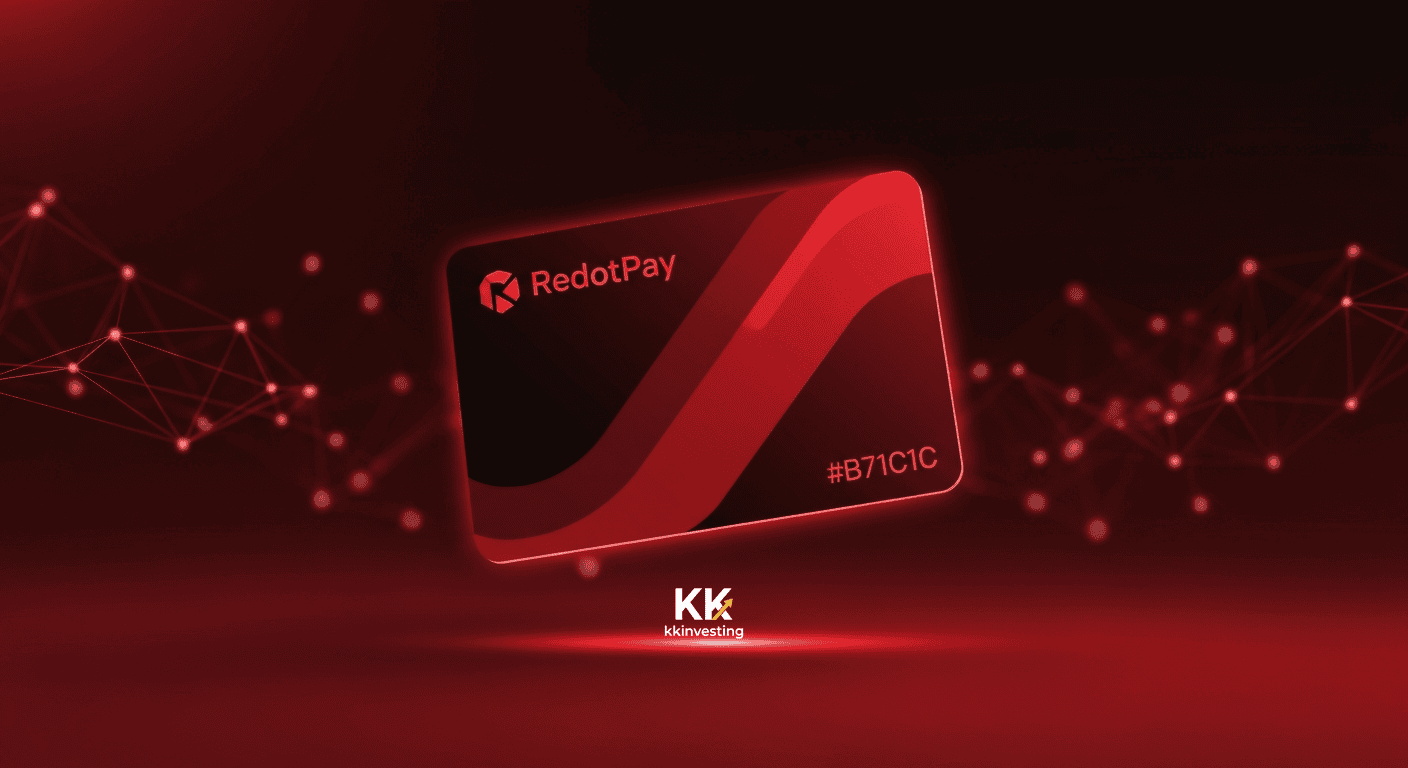
RedotPay Card guide: sign-up, fees and Apple Pay
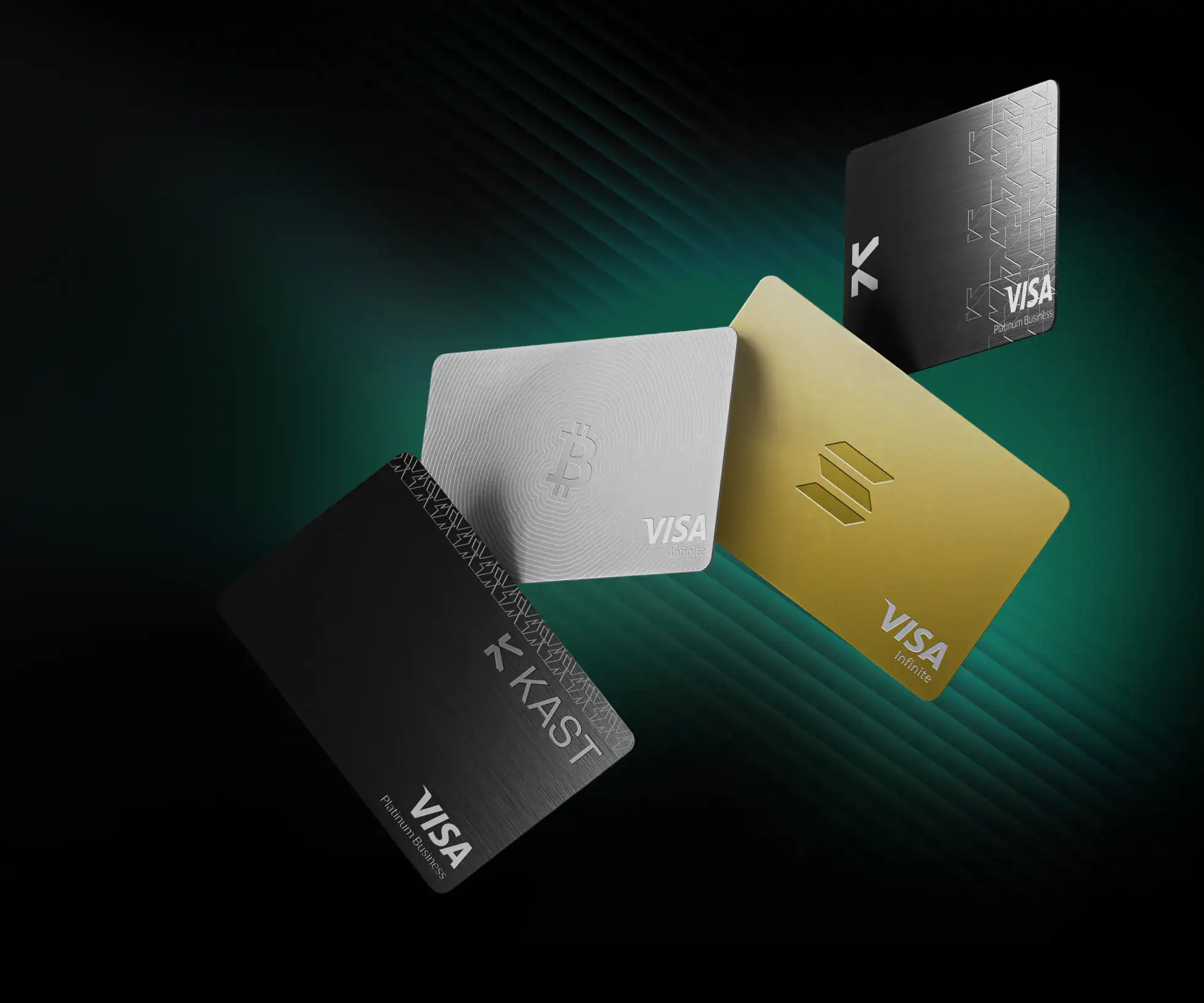
Kast Card guide: tiers, fees and top-ups
Bitget Wallet Card guide: apply and spend
Exchange Guides
Buy, sell, deposit and withdraw — from sign-up to your first trade, with screenshots.



Not just which tool is best — we walk the whole route first
Every guide is built around whether you can finish the next step. Hands-on testing, official terms and community feedback are labeled separately, and anything unverified stays marked as uncertain.
- Eligibility & KYCResidency, documents and account conditions first.
- Deposit, use & withdrawNot just opening an account — how money moves in and out.
- Full cost & riskFees, limits, exceptions and exit routes in one place.
FAQ
How do I choose a crypto card?
First confirm your country of residence is on the issuer’s supported list, then compare the currencies you spend in, cashback caps and FX costs. The table above shows the highlights; each card guide has the details.Which exchange should a beginner start with?
Pick an exchange that accepts residents of your country and supports your usual deposit method, then follow a guide through sign-up, KYC and a small test deposit. The exchange guides below include screenshots for every step.Can crypto cards be added to Apple Pay / Google Pay?
Most cards in the table officially support Apple Pay and Google Pay, but availability depends on the issuing region and platform rules, and some terminals are not compatible. Check the issuer’s supported regions before applying.Are crypto cards good for travel?
Check the issuing region, transaction currency and FX rules first. Non-USD fees vary a lot between cards, so don’t rely on old “zero-fee” claims as current terms.
Not sure where to start?
Start with the card comparison, then open the matching guide.