Gnosis Pay Card Shutdown on 20 December 2026: What to Do and Where to Move
Key Takeaways
- The Gnosis Pay shutdown date is 23:59 UTC on 20 December 2026: the card and web app both stop, per the formal notice sent to cardholders on 21 September 2026.
- Gnosis Pay disclosed a data breach on 6 November 2026 on the system behind its Gnosis Pay-branded cards: certain customer information was exposed, funds were not affected, and affected customers were emailed. Ignore any message that asks for your PIN or seed phrase, or asks you to move funds.
- Your money is not frozen or taken. It sits in your own Safe on Gnosis Chain, and the withdrawal page stays open after the app closes, with no deadline.
- After 20 December you lose the card, its controls and your transaction history in the app, so export the history first.
- Withdrawing takes two on-chain transactions with a built-in delay, and you need xDAI in the signing wallet for both.
- EUR cards can move to Rebind, USD cards to Picnic (Brazil) or MiniPay, and GBP cards have no official route yet.
- For a different card, the EU and UK options we could verify today are ether.fi Cash and Bitget Wallet Card; the rest sit in our crypto card finder.
What Stops on 20 December 2026, and What Does Not
Everything below comes from Gnosis Pay’s own help center, which publishes the formal notice in full. The dates are in UTC.
| Date | What happens |
|---|---|
| 30 September 2026 | Last day a purchase can earn GNO cashback (the transaction also has to settle by 5 October) |
| 7 October 2026 | Final cashback distribution |
| 30 October 2026 | Last day to ask support to check a cashback payout |
| 20 December 2026, 23:59 UTC | Card stops, physical and virtual; the web app closes except for withdrawals |
| 18 June 2027 | General cardholder support ends |
| 12 June 2028 | Support for refunds, disputes and chargebacks ends |
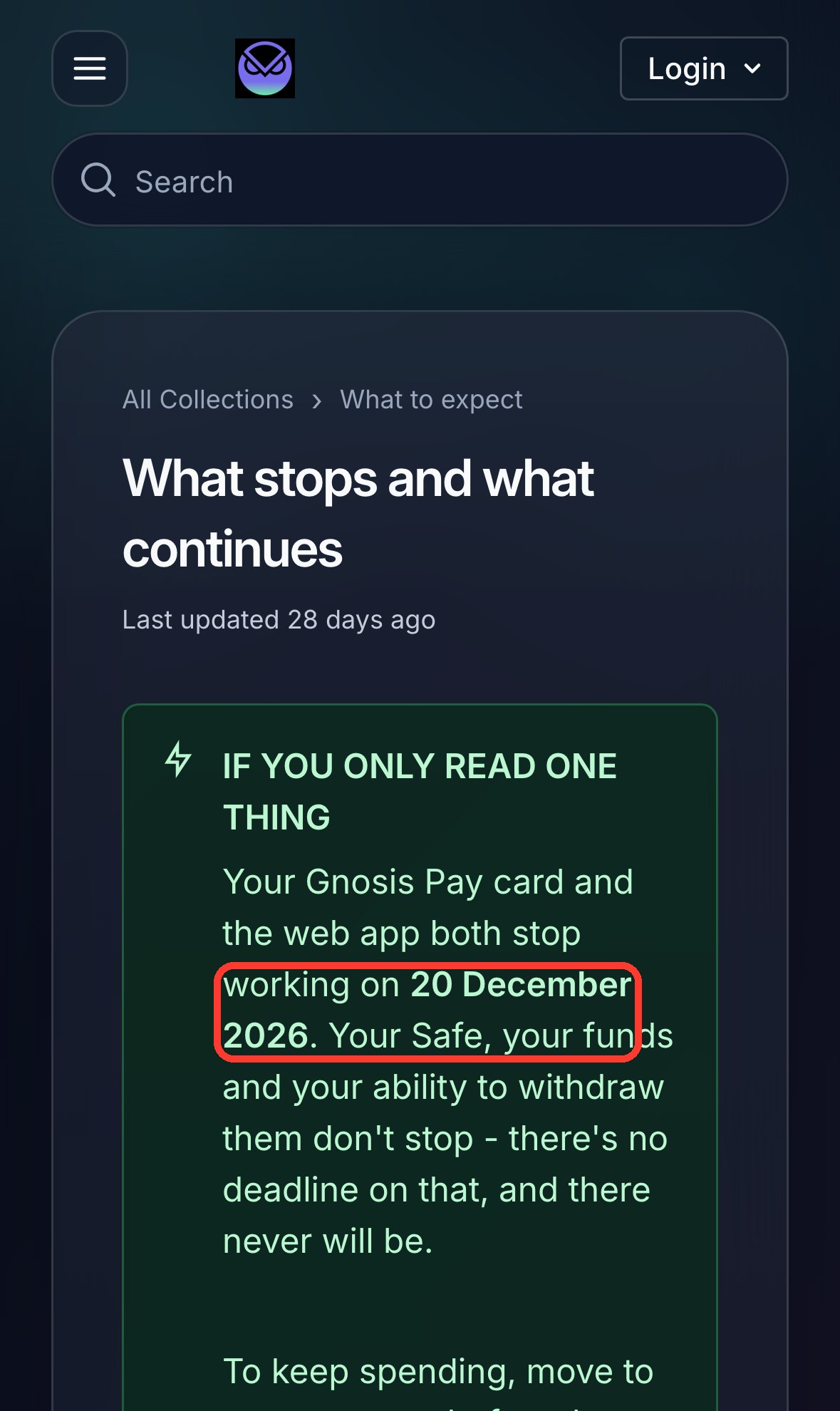
From 20 December the web app does one thing: it lets you withdraw. You can no longer freeze the card, see its details or PIN, set limits, view history, add funds, create cards, or add and remove Safe owners. Your Safe, your funds and the withdrawal tool carry on, as explained on the what stops and what continues page.
Transactions authorised before the cutoff still settle normally. Any subscription or recurring payment on the card will fail afterwards, and neither Gnosis Pay nor the issuer can transfer it to another card. A physical card cannot be reactivated, so destroy it once it stops.
Before 20 December: A Six-Item Checklist
Gnosis Pay’s preparation list is about ten minutes of work. I would do items 1 and 2 first: wallet access is the one thing nobody can fix for you afterwards, and your history is much slower to get once the app has closed, since Gnosis Pay then has to send it on request.
- Export your transaction history. In the web app, use the Download Card Transactions button above the transaction list, and note the last four digits and expiry of the card. You need both for any later refund or dispute.
- Check you can open the wallet that owns your Safe. Signing in to the web app with it is the quickest test. Nobody can recover Safe funds if you lose that wallet.
- Consider adding a second owner. In the web app: Account, Account details, Edit, Add address. It takes about three minutes and the card is briefly restricted. Any owner has full control of the Safe, so only add a wallet you control. After 20 December this has to be done on-chain, which is harder.
- List every merchant that charges the card. Subscriptions will fail on the day the card stops.
- If you have a EUR IBAN, check what pays into it. It keeps working and money lands in your own wallet, so redirect salary or standing orders if you stop opening that wallet.
- Raise anything outstanding. Disputes, pending refunds and doubtful cashback are simpler to sort while everything is live.
If you use Zeal, do the second-owner step first: Zeal’s card services end by 20 December, and until you add a wallet you control every transaction has to be signed inside the Zeal app.
How to Withdraw From Your Gnosis Pay Safe, Step by Step
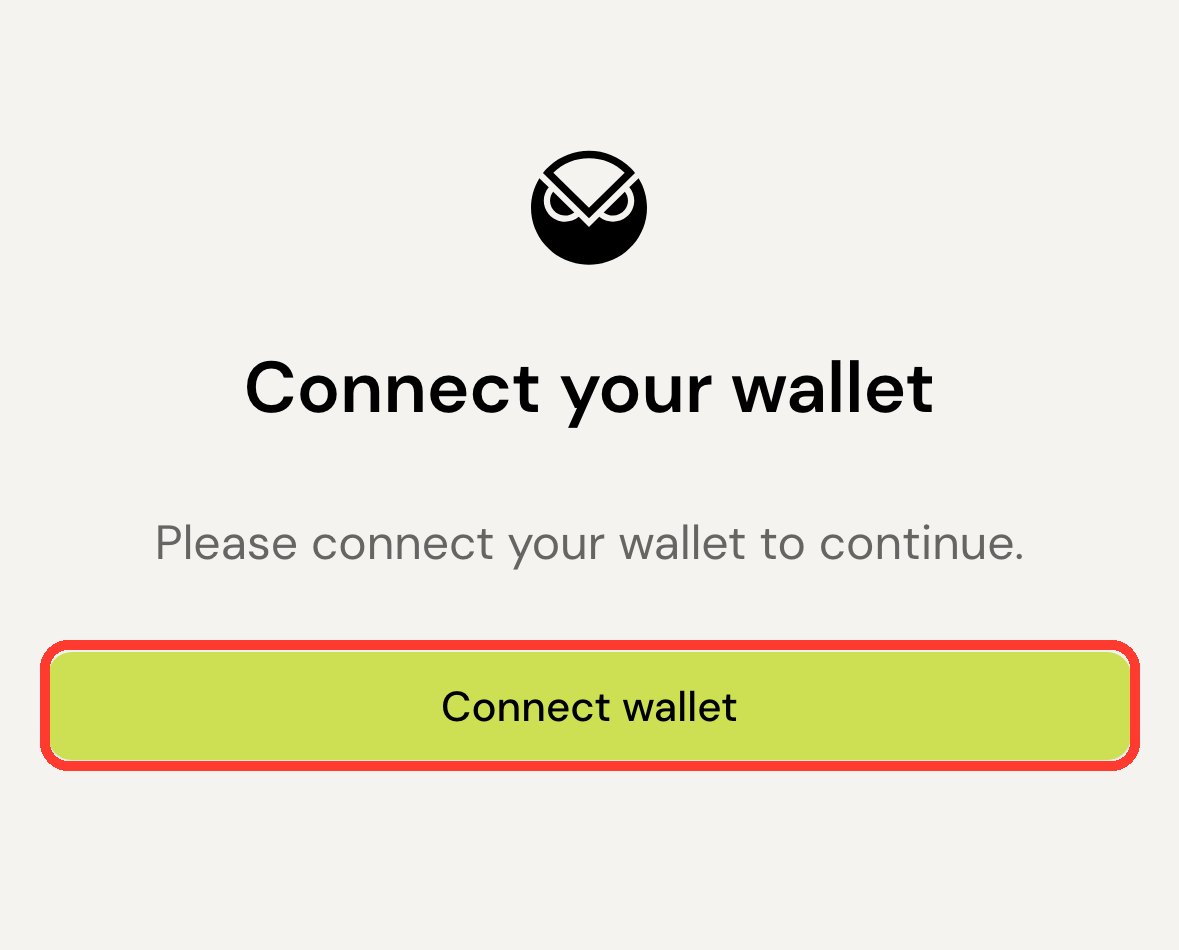
While the web app is open, the simpler route is to log in, go to Send Funds and move the money like any other transfer. The steps below are for the direct withdrawal page, which also works after 20 December. They follow the official withdrawal guide; we have not run a withdrawal ourselves, and the screenshot shows the public page before you connect a wallet.
What you need first
- The wallet (an EOA such as MetaMask or Rabby) that owns your Safe.
- xDAI for gas in that wallet, not in the Safe, enough for two transactions.
- A destination address on Gnosis Chain that you hold the keys to. An exchange deposit address is the wrong target.
The steps
- Open app.gnosispay.com/withdraw.
- Connect the wallet that owns your Safe.
- Enter the destination address and read it twice. Blockchain transfers cannot be reversed.
- Submit the first transaction and pay the gas.
- Wait for the built-in delay to pass. This is a security feature of the Safe, not a fault.
- Submit the second transaction. Check that it went through on a block explorer such as Gnosis Scan.
Check what the Safe holds before you call it done. EURe, GBPe or USDCe is the balance the card used, GNO may be there if you collected cashback, and xDAI is your gas. Do not send every xDAI in the first transaction. With nothing left for the second, you cannot finish, and getting more gas from elsewhere is the usual way this stalls. With no xDAI at all, the official guide points to the Gnosis Chain faucet and says support can send enough to complete a withdrawal.
You do not need to remove the Gnosis Pay modules from the Safe; the guide calls that an advanced operation where mistakes can cost you access. Keep an eye on the address for a few weeks too, because refunds and reversals from earlier card payments can land in the Safe after you have emptied it.
Getting euros to a bank account
A EUR card with an IBAN needs a second hop, because the off-ramp works from your own wallet rather than the Safe. Gnosis Pay’s bank transfer guide gives the order:
- Send the EURe from the Safe to your own wallet (Rabby, MetaMask or similar) on Gnosis Chain.
- Log in at monerium.app with the email address you used for Gnosis Pay, and link that wallet under Wallets.
- Pick the wallet holding the EURe and send to your SEPA bank account.
Where to Move: Gnosis Pay’s Own Routes by Card Currency
Moving is optional. If you want a card after 20 December, Gnosis Pay’s partner page routes you by the currency of your card:
| Your card | Official route | What to know |
|---|---|---|
| EUR | Rebind (rebind.co/gnosis-pay) | Account, IBAN and card carry over with no new ID checks at the first stage; only EUR accounts can be migrated |
| USD | Picnic if you are in Brazil, MiniPay elsewhere | MiniPay needs a new account on Celo, so nothing carries over; your Safe stays where it is |
| GBP | None yet | Gnosis Pay says it is working on a solution; the card works normally until 20 December |
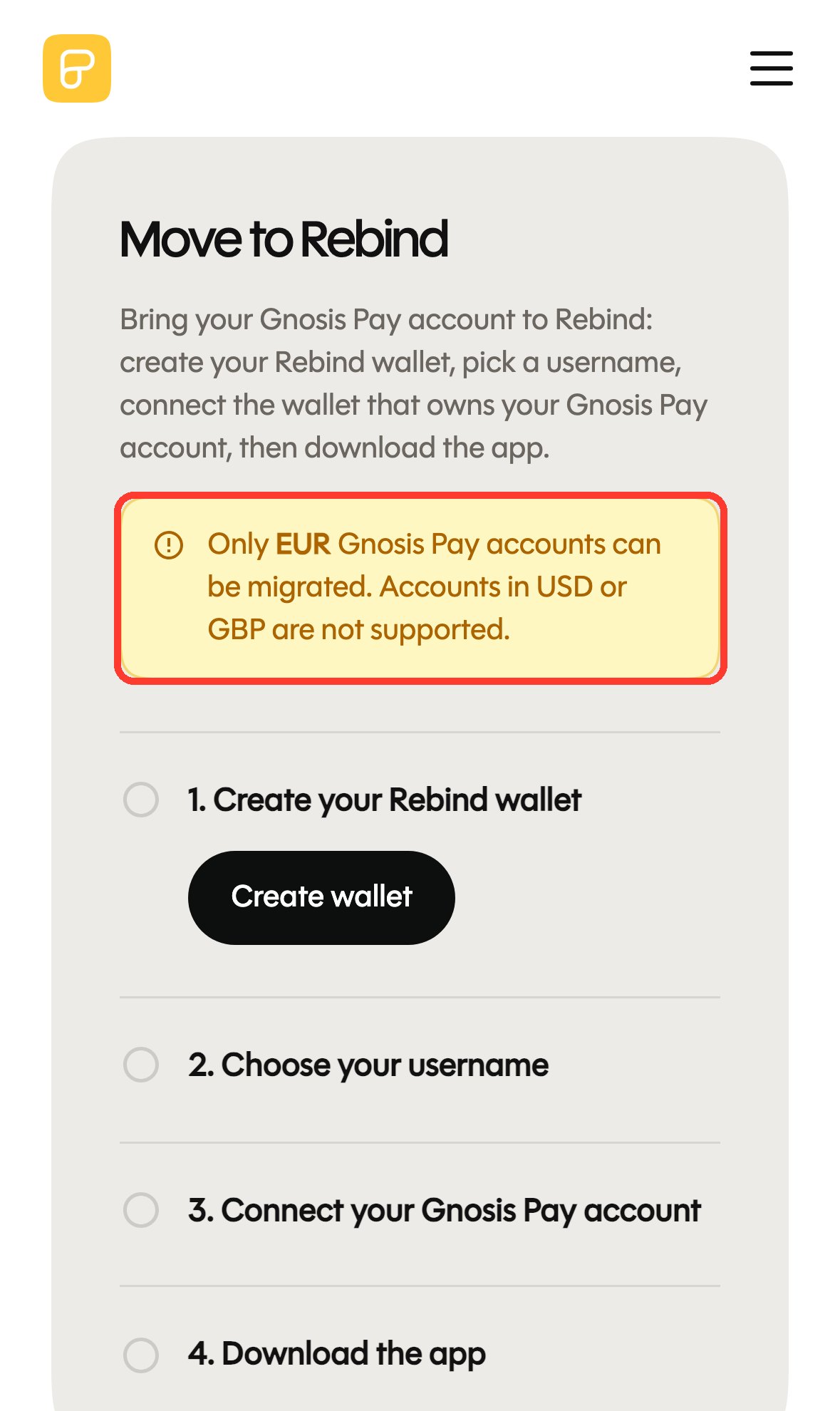
Two caveats apply to every route. The partner card is a new programme under new terms, with its own eligibility rules, fees, limits and rewards, so it is not a transfer of your current contract. And the migration links are specific: Gnosis Pay lists rebind.co/gnosis-pay and rebind.co/zeal as the only Rebind routes and warns that nobody from Gnosis Pay or Rebind will ask for your seed phrase. Rebind says it does not custody your assets, and its product page advertises a free Visa card with no foreign exchange fees; the terms are Rebind’s to set.
The reaction from the Gnosis side has been consistent. Sebastian Bürgel, VP technology at Gnosis, wrote on 24 September:
From December on, you won’t be able to use your existing card via our web app anymore.
Sebastian Bürgel (@SCBuergel) on X, 24 September 2026
For UK cardholders the answer is thinner. A Gnosis community member replied to a UK user on 16 October:
Sorry, unfortunately for now there is no solution yet for UK users, we’ll let you know if there are any changes or updates about this. You can continue to use your card until December 20.
Chim9 (@0xchim9) on X, 16 October 2026; the same reply suggested MiniPay, which is USD and without cashback, as a backup on Android
Replacement Cards for EU and UK Residents
If you would rather pick a different card than follow the partner route, these are the two we could check against fresh official pages on 20 October. Both list the UK and many EU countries, with the limits noted. Our crypto card finder filters the wider set by where you live, with the date each number was checked.
| Card | Where it works | What the official pages say | Catch |
|---|---|---|---|
| ether.fi Cash | UK and most EU states; physical card not available in Belgium and Ireland | Zero FX markup when the merchant charges in EUR; cashback paid in ETHFI, locked for 7 days, $5 minimum to claim | KYC required; rates by membership tier are in our ether.fi Cash review |
| Bitget Wallet Card | EEA and UK | 0 annual fee; 2% base assetback, up to 3% after the upgrade conditions; rewards in assets such as BTC, gold, stocks or USDC | Reward rules change; see our Bitget Wallet Card review |
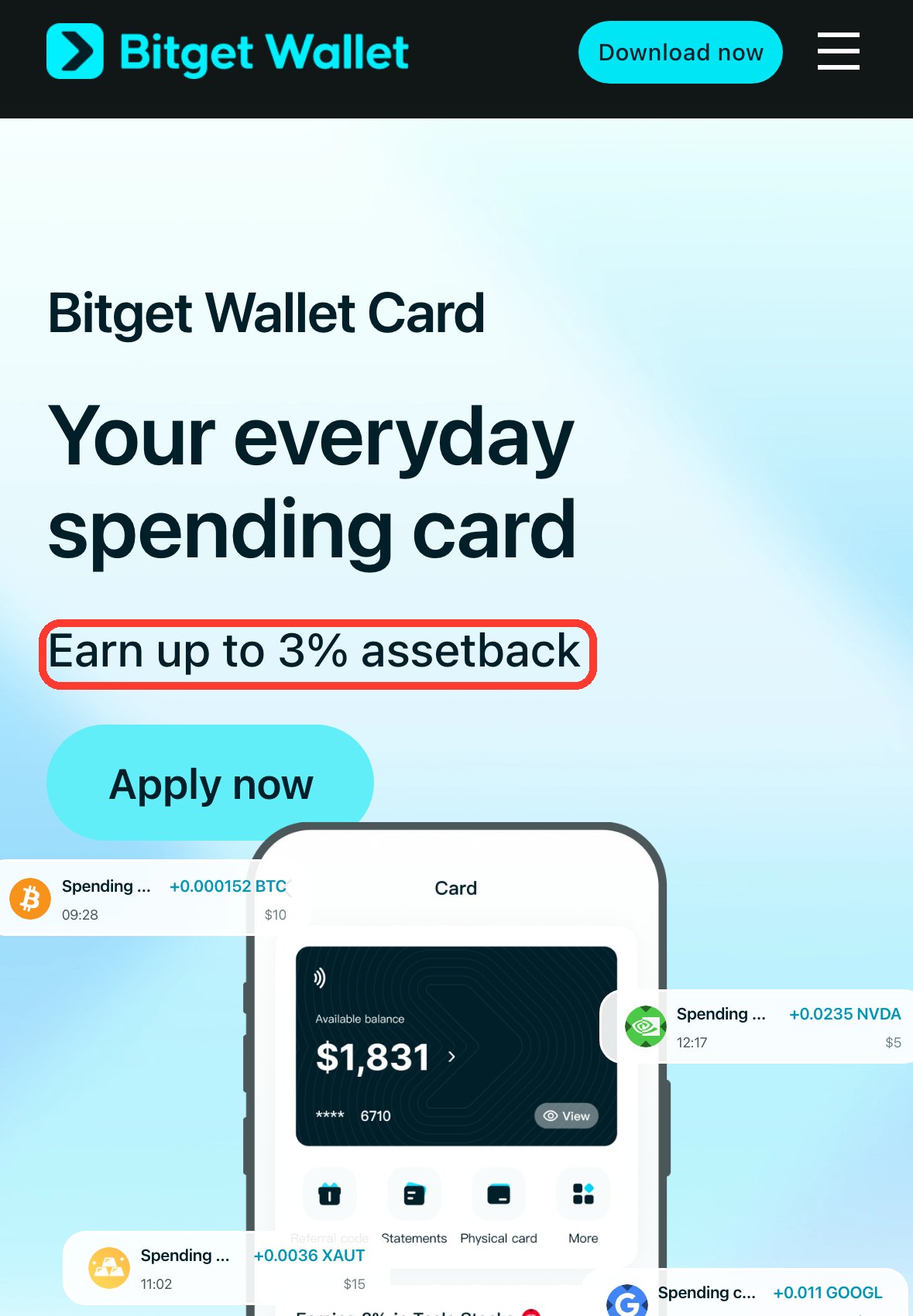
Neither is built the way Gnosis Pay is, with the card tied to a Safe you control. We have not independently verified the custody setup of either, so read each provider’s terms before you move a large balance. Among exchange cards, the OKX Card is offered in the EEA through OKX Europe, but not in the UK: OKX’s UK site has no card page, and its card link opens OKX Pay instead (checked 24 October 2026). The Bybit Card is off the table for UK residents, because Bybit stopped new UK registrations in its 21 September 2026 notice and has limited UK-registered accounts to withdrawals since 21 October. The OKX review covers fees and where the balance is held.
Which Option Fits You
- You want out, not a new card: export history, withdraw, update subscriptions. Nothing else is required, and the Safe stays yours.
- EUR card: Rebind is the route Gnosis Pay recommends, and the only one that carries the IBAN and card across.
- USD card: Picnic if you live in Brazil, MiniPay elsewhere, knowing MiniPay means a new account.
- GBP card: nothing official yet. Use the card until 20 December, watch the partner page for an update, and consider ether.fi Cash or Bitget Wallet Card if you need something sooner.
- You care most about holding your own keys: compare custody wording first. Do the same check on any card; the date you can no longer reach the app is when it matters.
Frequently Asked Questions
Do I lose my money when the Gnosis Pay card stops?
No. Gnosis Pay says the funds in your Safe stay unaffected and that there is no deadline for withdrawing them. What ends on 20 December 2026 is the card, the web app and, later, general support. The official summary is on Gnosis Pay’s help center.
Do I have to withdraw before 20 December?
Not strictly. The Safe is yours and the withdrawal page at app.gnosispay.com/withdraw stays open afterwards. Doing it early is easier, though: the simpler Send Funds route exists only while the web app is running. Zeal users have less time, because Zeal’s card services end by 20 December.
What happens to my subscriptions and recurring payments?
They fail once the card stops. Gnosis Pay and the issuer cannot move them to another card, so you have to update each merchant yourself. Make the list before December.
Is there a Gnosis Pay replacement for GBP cards?
Not officially as of 20 October 2026. The help center says it is working on a GBP solution and will post an update. A Gnosis community member told a UK cardholder on 16 October that there was no solution yet, and suggested MiniPay as a USD fallback on Android.
Can I keep my IBAN?
If you hold a EUR card with an IBAN, yes. The IBAN is provided by Monerium, not Gnosis Pay, and it keeps working. It points at your own wallet, so redirect anything that pays in regularly or move the IBAN to a wallet you check often.
Is moving to Rebind or another partner app compulsory?
No. Gnosis Pay describes the move as optional. It is also not a continuation of the old terms: the partner card is a new programme with its own fees, limits and rewards, and some onboarding or compliance checks may still apply.
Was my data exposed in the Gnosis Pay breach?
Dates and terms on this page come from Gnosis Pay’s help center and the providers’ official pages as read on 20 October 2026, apart from the data-breach notice, read on 7 November 2026. Partners and fees can change, so check the live pages before you move funds. Last updated: November 7, 2026
Disclosure: This article contains affiliate links. We may earn a commission at no extra cost to you if you sign up through our links. This does not influence our editorial recommendations.