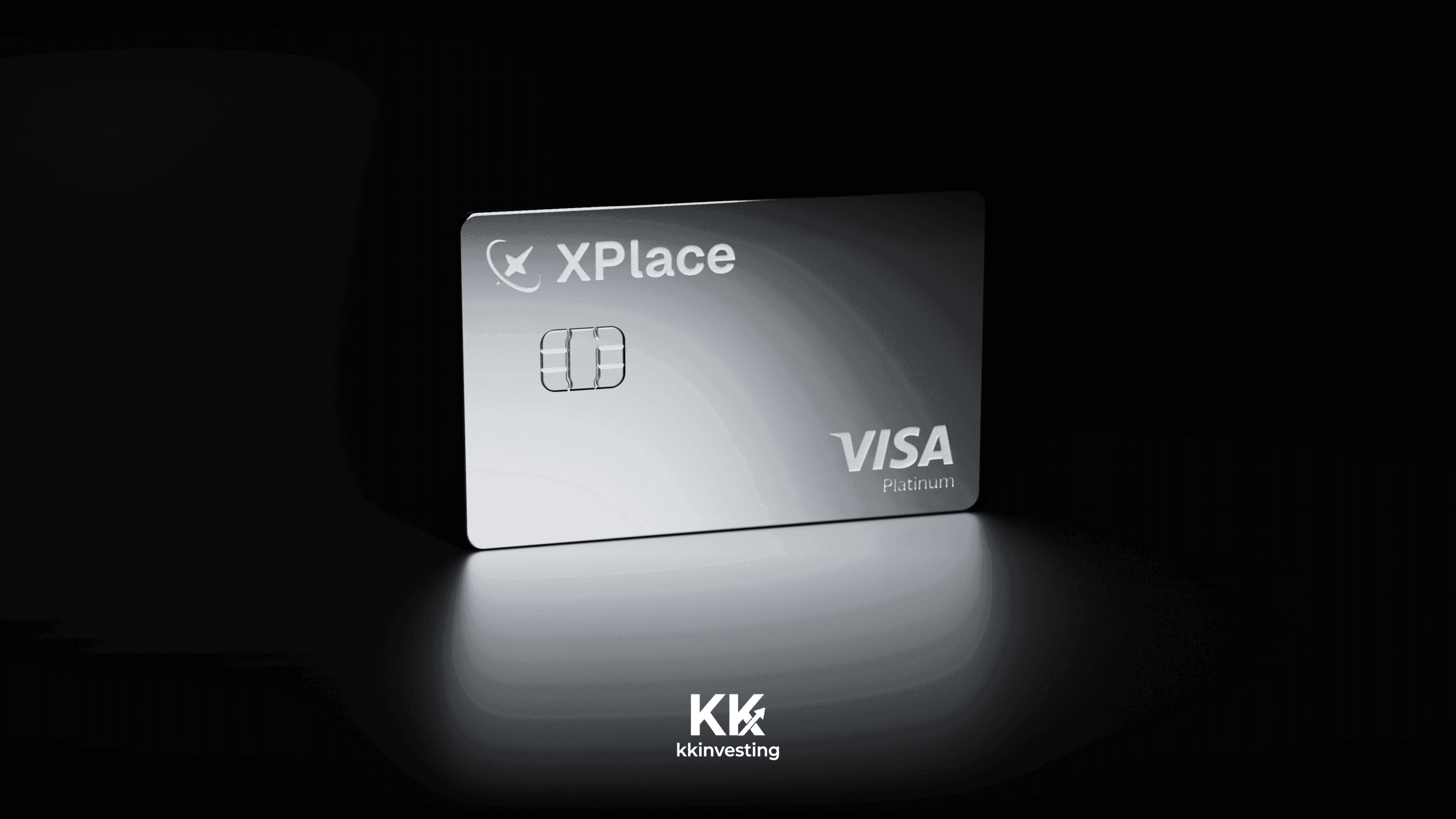
XPlace Card Review 2026: Membership Fees, Cashback and How the Credit Line Works
Key points · updated 27 Oct 2026
- What it is: a Visa card backed by crypto you deposit as collateral. You borrow USDC against SOL, ETH, BTC, USDT or jitoSOL instead of selling them, and your deposit keeps earning variable yield through Kamino Finance on Solana.
- What it costs: Basic membership is free. Silver is $99 a year, Gold $249 and Platinum $999. The US card agreement lists a $0 annual card fee and 0.00% purchase APR; the borrow rate on your credit line is variable and shown in the app.
- What you earn: Credit mode pays 0.5% (Basic), 1% (Silver), 1.5% (Gold) or 2% (Platinum) in USDC, capped at $10, $40, $100 or $250 a month. Cash mode pays no USDC cashback. XP points are a separate reward.
- How much you can borrow: 80% of USDT, 70% of ETH or BTC, 65% of SOL, 50% of jitoSOL. $10,000 of SOL gives you a $6,500 credit line, and a price drop can trigger liquidation.
- Who can apply: the card is not offered in 17 countries including India, China (Mainland), Russia and Turkey, nor in 19 US states such as Ohio, Washington and Tennessee. The full lists are below.
What is the XPlace Card and how does the credit line work?
XPlace sits between a crypto wallet and a credit card. You deposit supported assets, the app treats them as collateral, and it opens a USDC credit line you can spend through a virtual Visa card in Apple Pay or Google Pay. The official docs describe the product as non-custodial: balances sit in smart contracts on Solana, and the deposits are deployed into Kamino Finance, a lending protocol, where they earn a variable yield.
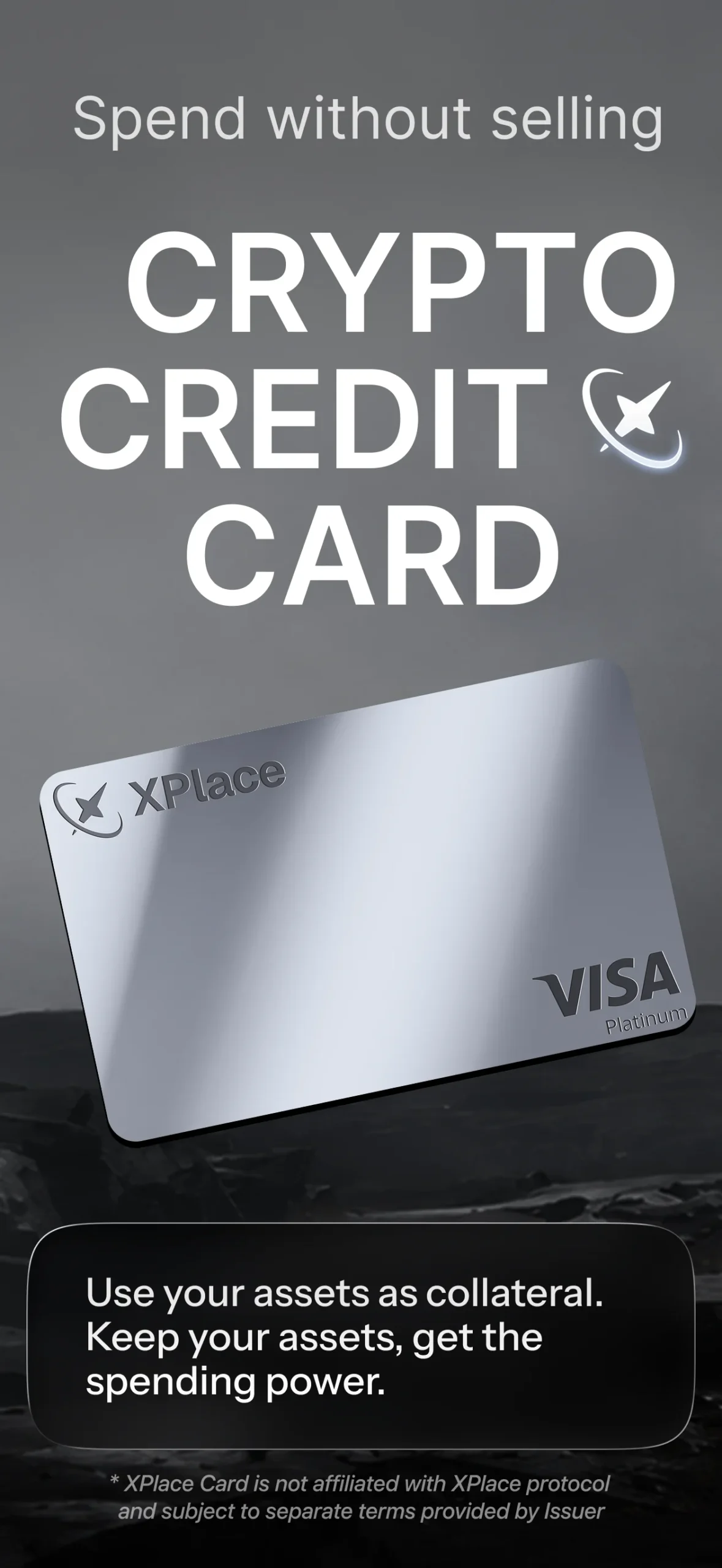
The card has two modes you can switch between in the app at any time:
| Credit mode | Cash mode | |
|---|---|---|
| What pays | Your USDC credit line, backed by collateral | USDC you topped up onto the card |
| USDC cashback | 0.5% to 2% depending on membership | 0% |
| Repayment | Repay any time; the docs list no fixed schedule | Nothing to repay |
| Main risk | Collateral value falling toward liquidation | Card balance simply runs out |
Collateral and credit limits by asset
Each asset has its own loan-to-value (LTV) ratio, which sets how much credit a deposit gives you. The docs give one worked example: $10,000 of SOL unlocks $6,500.
| Asset | LTV | Credit from $10,000 deposited |
|---|---|---|
| USDT | 80% | $8,000 |
| cbBTC (wrapped BTC) | 70% | $7,000 |
| wETH | 70% | $7,000 |
| SOL | 65% | $6,500 |
| jitoSOL | 50% | $5,000 |
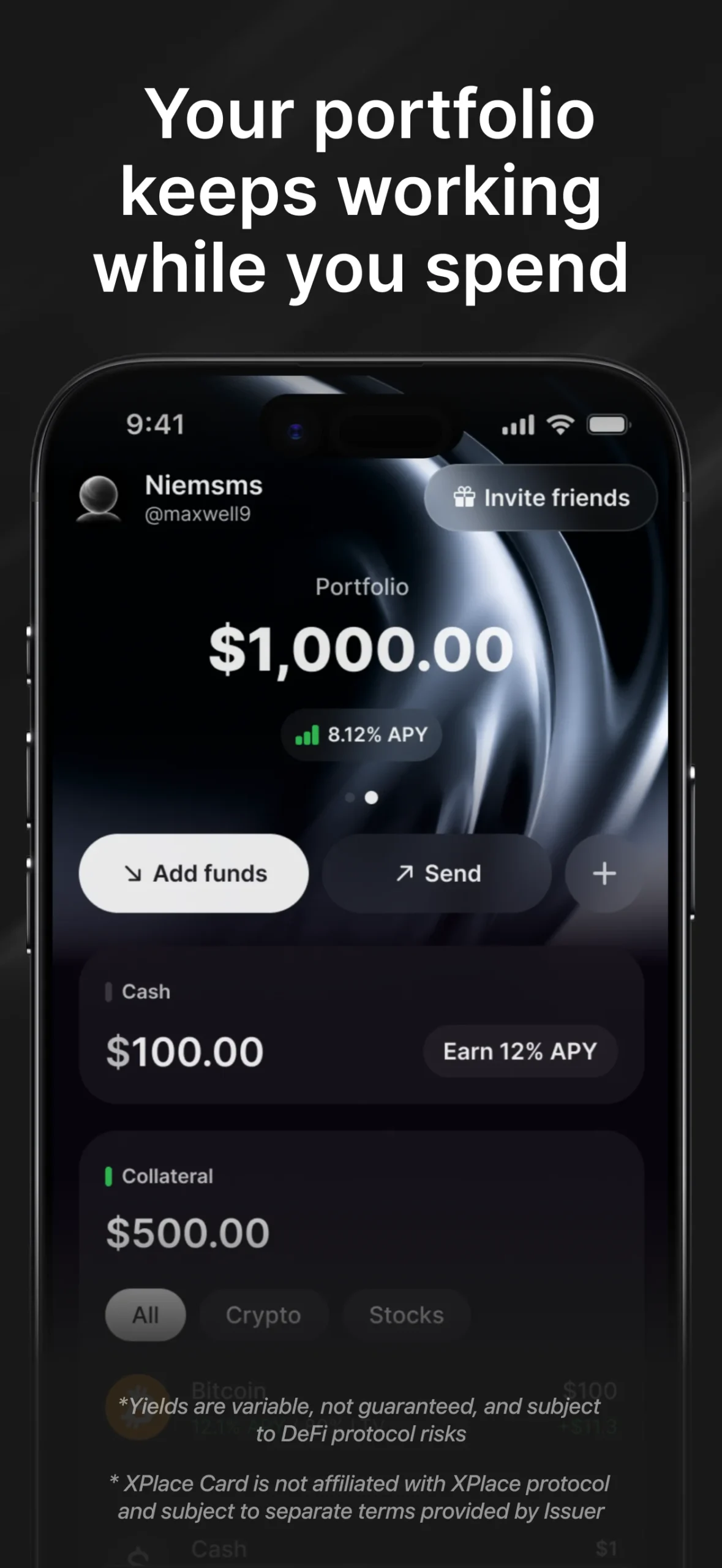
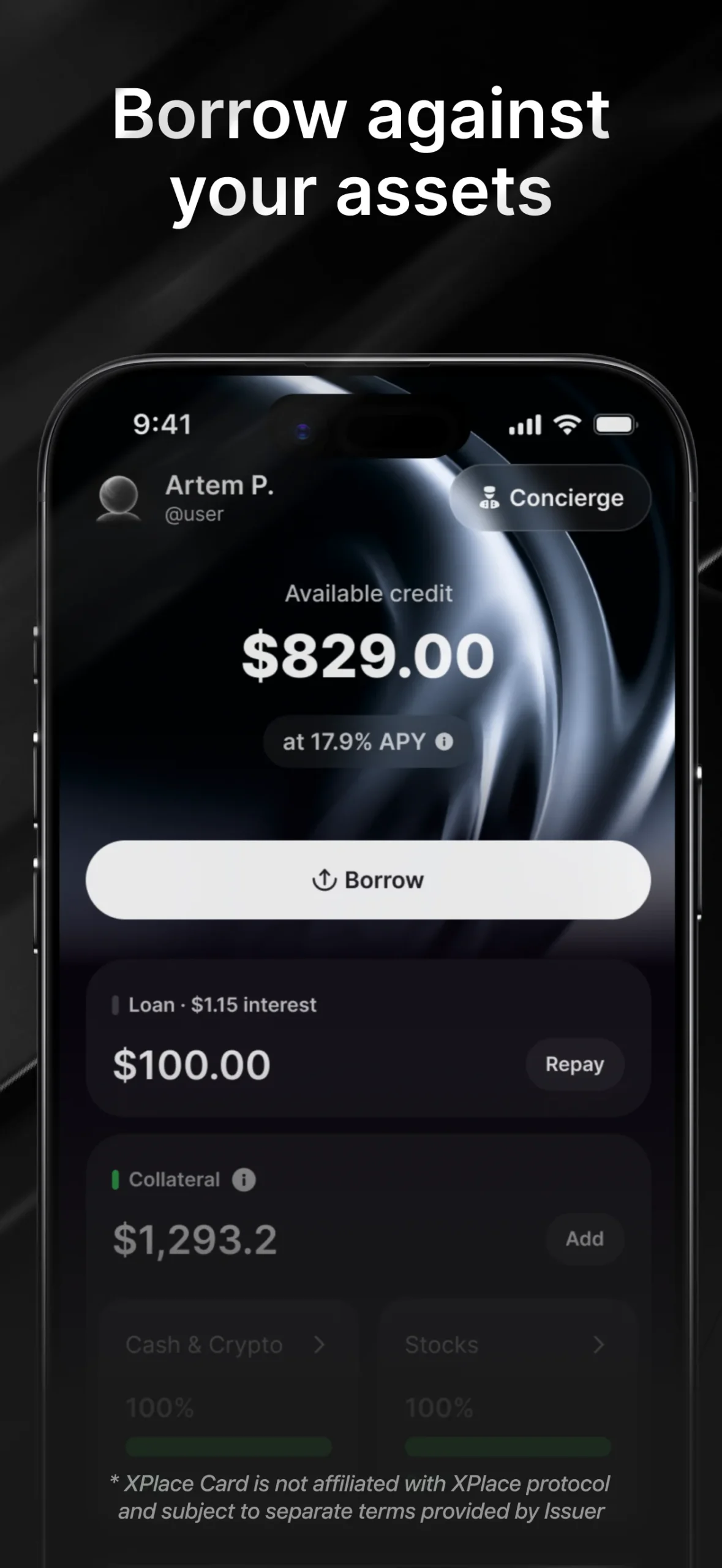
Two screens from the App Store listing, in order: the portfolio view, then the borrow view. The figures in them are demo data.
Borrowing is in USDC only. The borrow APR is variable and comes from Kamino’s live on-chain demand, and the app shows the current rate before you borrow. The docs also publish a health factor: above 50% is safe, below 50% is medium risk and below 20% is high liquidation risk. My rule is to treat the LTV table as a ceiling, not a target, and to draw about half of it. At 65% LTV, SOL only needs to lose roughly a third of its value before the debt matches the collateral, and liquidation starts earlier than that.
Membership fees and cashback: does a paid tier pay for itself?
| Tier | Annual fee | Credit-mode cashback | Monthly cashback cap | XP rate | Hotels and flights | Lounge visits |
|---|---|---|---|---|---|---|
| Basic | Free | 0.5% | $10 | 1% | none | none |
| Silver | $99 | 1% | $40 | 3% | 1% cashback | 1 a year |
| Gold | $249 | 1.5% | $100 | 6% | 3% cashback | 4 a year, plus 2 fast-track |
| Platinum | $999 | 2% | $250 | 10% | 5% cashback | Unlimited, plus 5 fast-track |
The official docs also list cashback exclusions: cash and ATM withdrawals, money transfers, crypto and digital-asset purchases, in-app and digital goods, securities brokers, gambling, tax payments and several telecom and electronics categories.
Break-even has two readings. Against no card at all, Silver’s $99 is earned back after $9,900 of Credit-mode spend a year. The fairer test is against the free Basic tier, which already pays 0.5% up to $10 a month, so only the extra cashback counts. Both are best cases that ignore borrow interest and FX.
| Tier | Fee earned back by cashback alone | Per month | Spend that hits the monthly cap | Monthly spend to beat free Basic |
|---|---|---|---|---|
| Basic | no fee | n/a | $2,000 | n/a |
| Silver ($99 at 1%) | $9,900 a year | about $825 | $4,000 | about $1,650 |
| Gold ($249 at 1.5%) | $16,600 a year | about $1,383 | $6,667 | about $2,050 |
| Platinum ($999 at 2%) | $49,950 a year | about $4,163 | $12,500 | about $4,660 |
Which tier to start with
In practice Basic is the sensible starting point: the most it can return is $10 a month, but it costs nothing. Silver only beats it if you put roughly $1,650 a month through Credit mode, Gold needs about $2,050 and Platinum about $4,660. Gold and Platinum are really for people who value the lounge access and travel cashback as much as the card rewards. XP points are an extra layer: the docs say XP affects your rewards-pool allocation, but they give no payout date or value, so I would not count XP when judging a tier.
Other fees to know about
- Foreign currency: the card guide says Visa applies a 1% conversion fee and XPlace adds a tier-based fee on top. The international card terms list a 0% foreign exchange and cross-border fee, and the US terms list 0% for international transactions. Those two statements do not match, so check the cost shown in the app for your first foreign payment.
- Late payment: the US card terms charge 2% of the outstanding balance, with a statement due date 21 days after the billing cycle closes. The international terms cap late payment at $40 and a returned payment at $29. This sits awkwardly with the credit page’s “no fixed repayment schedule”, so read the card terms for your region before you borrow heavily.
- Interest: both card agreements show 0% purchase APR, while the underlying USDC borrow rate follows Kamino and moves with the market.
Who can apply: restricted countries and US states
XPlace works on an exclusion list. If your country or state is not named, you are not excluded, though the docs do not publish an accepted-ID list, so approval is decided at KYC. These are the lists on the official prohibitions page, which says it was last updated on 25 October 2025.
| Not available | List |
|---|---|
| 17 countries and regions | Belarus, China (Mainland), Cuba, India, Iran, Iraq, Israel, Myanmar, Nepal, Nicaragua, North Korea, Russia, Syria, Turkey, Ukraine, Venezuela, Vietnam |
| 19 US states (no card issuing) | Arizona, Delaware, Georgia, Idaho, Louisiana, Maryland, Mississippi, Missouri, Nevada, New Mexico, North Dakota, Ohio, Oregon, Rhode Island, South Dakota, Tennessee, Vermont, Washington, Wisconsin |
Prohibited uses include gambling, unlicensed regulated goods, counterfeit goods and providing falsified information when you open an account, so use your real details throughout. If you live in an excluded place, there is no step in this guide that changes that, and I do not suggest trying to.
How to get the card, step by step
- Create an account in the XPlace app with email, Google or Apple ID, then set a 6-digit account PIN and optionally Face ID.
- Choose a membership: Basic, Silver, Gold or Platinum. Basic is free and you can upgrade later with an annual plan.
- Complete KYC. It is required before the card is issued.
- Set a 4-digit card PIN. The virtual card is created instantly and can be added to Apple Pay or Google Pay.
- Deposit collateral from the Home screen using “Add funds”. The credit line appears according to each asset’s LTV.
- Pick a mode. Switch the card to Credit mode to spend the credit line, or top up USDC and use Cash mode.
- Set limits on the card screen: daily, weekly and monthly spending limits, plus freeze and block controls.
The docs say a virtual card is issued instantly after KYC. They describe no physical card, and I would not plan around one until the docs list it.
How to deposit collateral and fund the card
The Home screen is the starting point: the docs list Add funds, Swap, Send and the Credit mode switch there. Deposits go to Solana smart contracts rather than to the company, so the asset you send matters.
Add collateral
- Tap Add funds and pick a supported asset: USDT, SOL, wETH, cbBTC or jitoSOL.
- Send exactly the asset the app lists, from an exchange or your own wallet. Wrapped ETH and BTC are different tokens from the native coins, which is the easiest way to lose a transfer.
- Wait for the balance to appear in Portfolio, where yield accrues hourly. The credit line follows each asset’s LTV.
Fund Cash mode
If you would rather not borrow, top up the card with USDC and use Cash mode. Nothing is repaid, but no USDC cashback is paid either.
Withdraw
The docs’ summary table says you can withdraw at any time and that funds are released from the smart contract. They do not spell out what happens when you still owe credit, so I would repay first or keep enough collateral in place before withdrawing.
Risks and security: what to check before depositing
Liquidation and variable rates
- Liquidation: if collateral falls far enough, part of it can be sold to protect the position. A stablecoin deposit at 80% LTV is the calmest setup; SOL at 65% is the most volatile of the main options.
- Variable numbers: yield and borrow APR both move with the market. The marketing page’s “up to 12% APY” is a ceiling, not an expectation.
- Support and holds: a few public user reviews mention a lock-out after a top-up and a deposit held for a week while documents were requested. These are unverified anecdotes, but they are a reason not to park more than you can wait on.
- Docs that disagree: the FX fee and the repayment rules differ between pages, as noted above. Take a screenshot of the terms you accept.
- Newer platform: the company is not a bank, and I found no licence claim to rely on, so do not treat it as insured deposits.
Security controls
On the security side, the docs say the app never stores full card details, card data is encrypted and tokenised by the card network, and you can freeze or permanently block the card from the Card screen. Access is protected by a 6-digit account PIN with optional Face ID, and the card has its own 4-digit PIN.
Is there an XPlace promo code?
This is the most common search that lands on this page. The only official bonus I can verify is the in-app referral program: when a friend activates a card and spends $100 or more in Credit mode, you each receive a random reward between $5 and $250 in BTC, SOL or ETH. This site has no referral code or partnership with XPlace to offer, so there is none here, and I would be wary of any page that sells you a “code” for a fee.
FAQ
Is the XPlace Card a credit card or a debit card?
It behaves like a credit card in Credit mode, where you spend a credit line backed by your collateral. In Cash mode it spends USDC you topped up, like a prepaid or debit card.
How much cashback does the XPlace Card pay?
In Credit mode 0.5% on Basic, 1% on Silver, 1.5% on Gold and 2% on Platinum, paid in USDC and capped at $10, $40, $100 and $250 a month. Cash mode pays 0% USDC cashback.
Which US states cannot get the card?
Arizona, Delaware, Georgia, Idaho, Louisiana, Maryland, Mississippi, Missouri, Nevada, New Mexico, North Dakota, Ohio, Oregon, Rhode Island, South Dakota, Tennessee, Vermont, Washington and Wisconsin.
Can people in India, China or Russia use XPlace?
No. India, China (Mainland), Russia, Turkey, Vietnam and the other restricted jurisdictions on the official list cannot open accounts.
What happens if my collateral drops in value?
The app shows a health factor. Below 50% is medium risk and below 20% is high liquidation risk, and part of your collateral can be sold. Add collateral or repay some of the credit to lower the risk.
Is there a physical XPlace card?
The official docs describe only a virtual card issued after KYC. A third-party directory reported in-app physical ordering for Silver members in August 2026, but I could not confirm it in the official docs.
Honest verdict: who the XPlace Card is for
Best for: people who already hold SOL, ETH, BTC or stablecoins, understand liquidation and want to spend without selling. Skip it if a margin call on your savings would hurt. For most readers Basic is the low-risk way to test it, and the paid tiers only pay off at real monthly volume. If you want a plain card that never risks your holdings, a debit-style crypto card is simpler, and our crypto card finder by country compares the options. For other collateral-style or self-custody cards see Plasma One, Ready Card and Avici.
Sources: membership, cashback, credit and LTV, how to issue the card, prohibited jurisdictions. All checked 27 Oct 2026.
Disclosure: This page contains no XPlace referral links. Figures come from docs.x.place and were checked on 27 October 2026. This is not investment, legal or tax advice, and crypto-backed borrowing can lose money.